Instructions tell the system what to do. Context supplies information for the next model response. State and memory preserve what the application needs as the job continues. The same fact may move between these places.
System prompt
Instructions supplied at the system level to guide a model's behavior across an interaction.
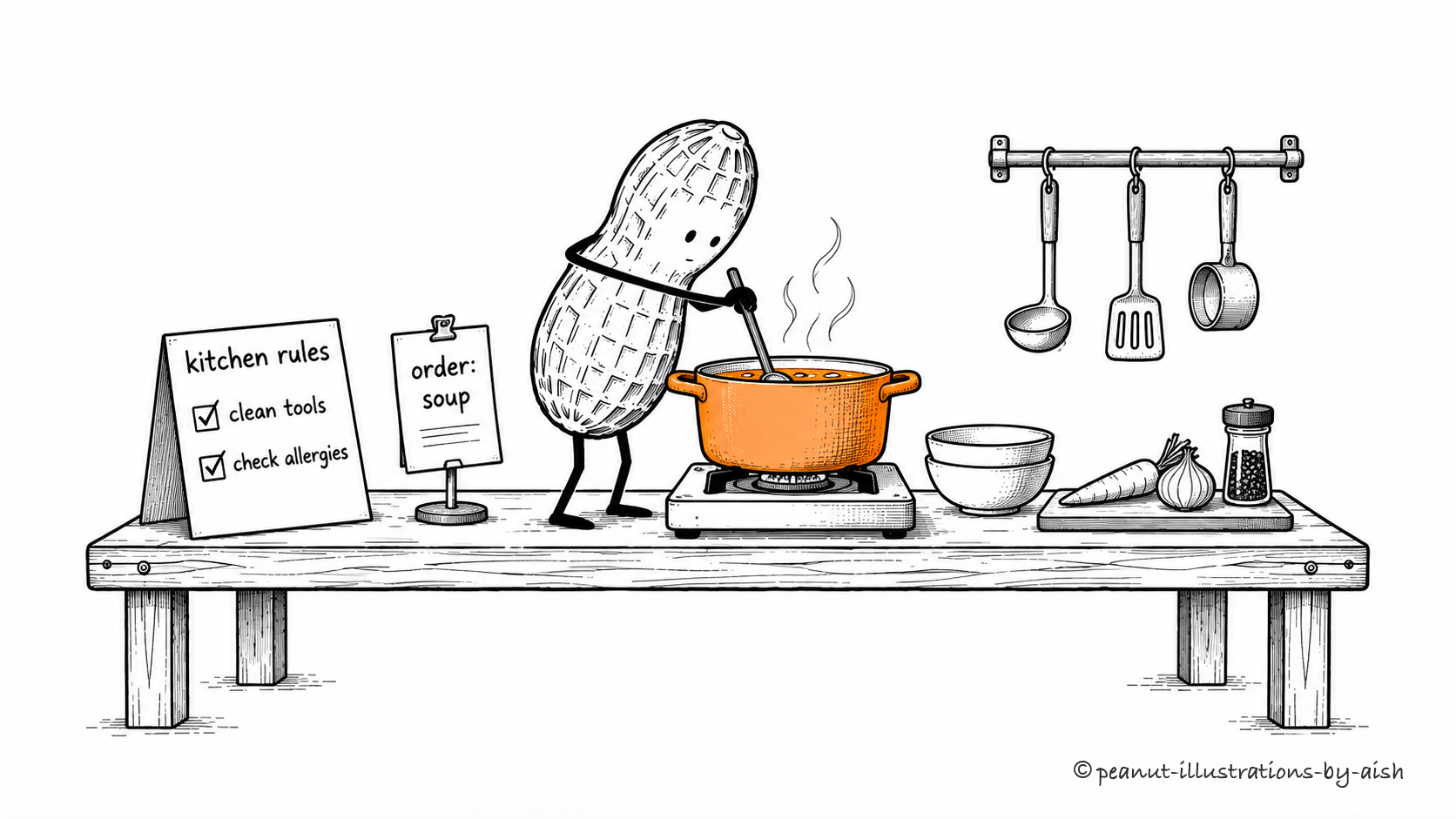
Lunch comes with an order and a set of kitchen rules.Peanut is the agent. The kitchen rules represent standing instructions; the order ticket supplies the current task.
An application can supply standing instructions about the model's role, behavior, and response requirements. Many platforms provide a system-level message for this purpose, with priority defined by their instruction hierarchy. Use it to describe how the model should behave. Access restrictions belong in software controls as well.
Instruction hierarchy
The priority order used to resolve conflicting instructions from different sources.
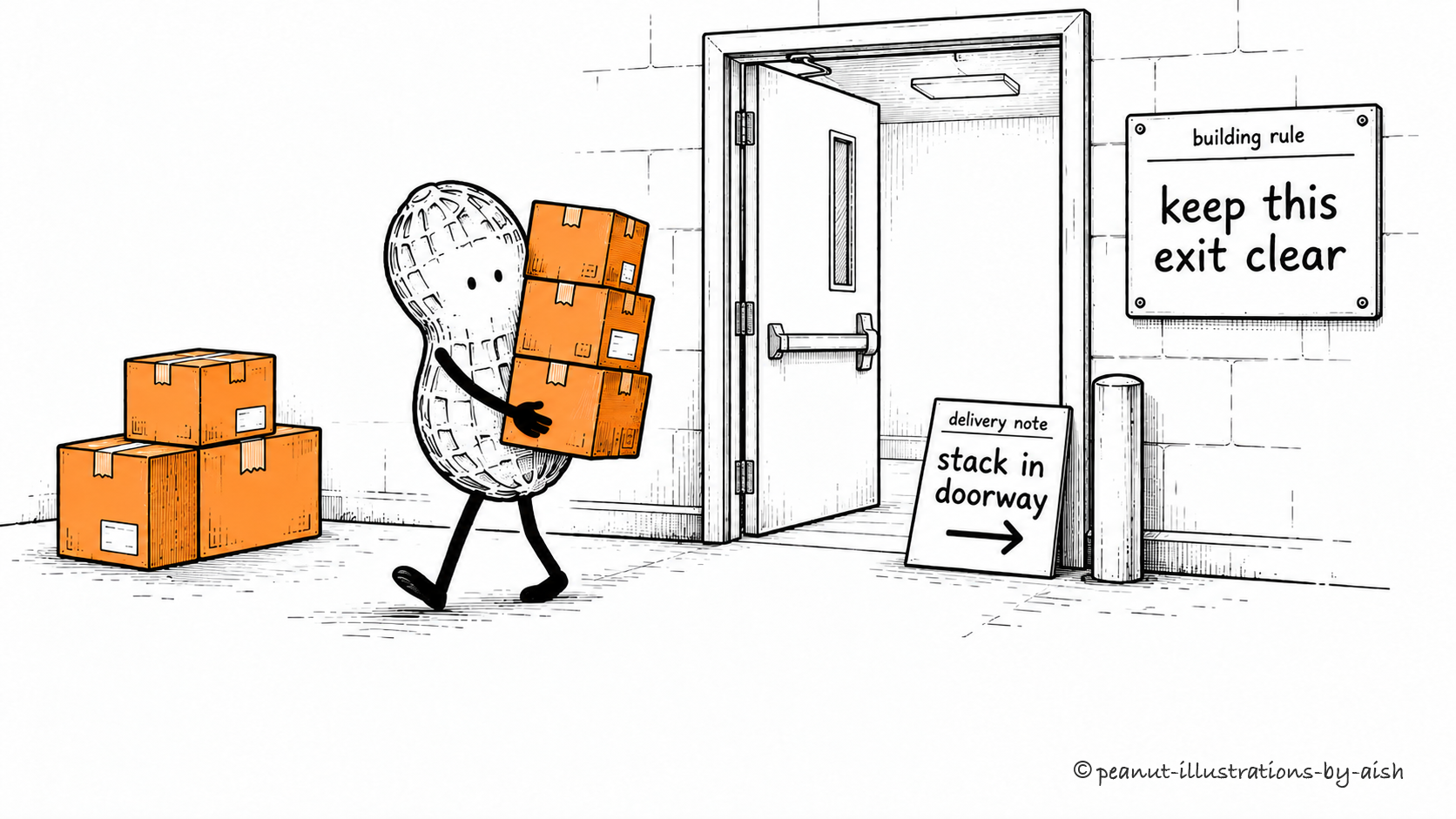
The delivery note has found a very inconvenient place for the boxes.Peanut is the agent resolving conflicting instructions. The building rule has higher authority than the delivery note.
Many AI platforms assign different authority to instructions based on their source. The model should follow that ordering when instructions conflict. A retrieved page is usually task material, so a command inside it should not acquire the authority of the application's own rules. Preserving that distinction is part of defending against prompt injection.
Tokens and tokenization
Tokens are units used to represent model inputs and outputs; tokenization converts content into those units.
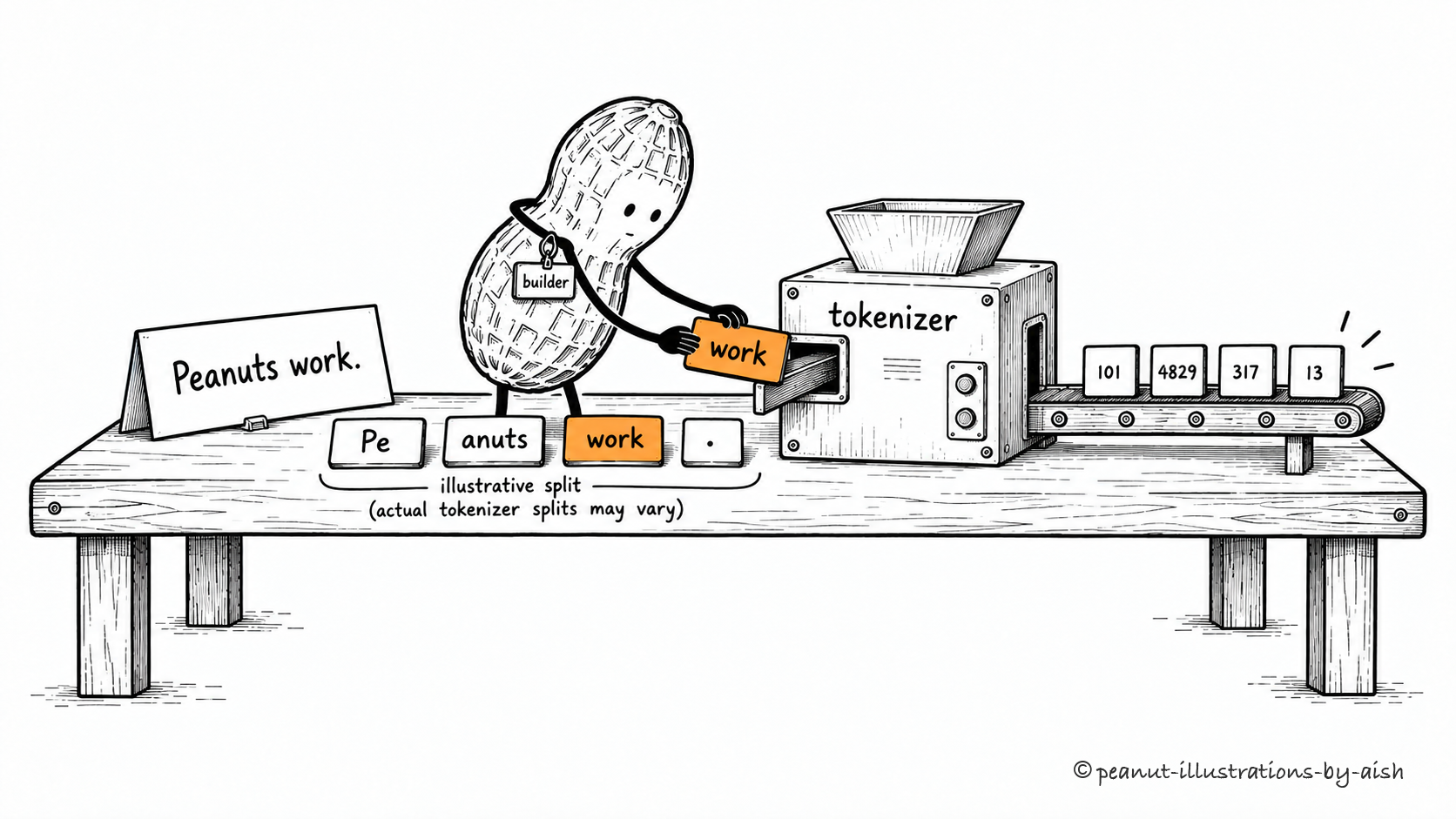
One sentence, several pieces. Some words need more than one.Peanut is the builder here. The word-fragment tiles and numbered output illustrate text tokens and their identifiers; the split and numbers are examples.
A text tokenizer converts text into token identifiers using a particular encoding. Its units may represent whole words, word parts, punctuation, or other fragments. Different tokenizers can split the same sentence differently. Those choices affect context capacity and usage accounting, which is why word counts are only a rough guide to token counts.
Designing how an application selects, assembles, and maintains the information supplied to a model.
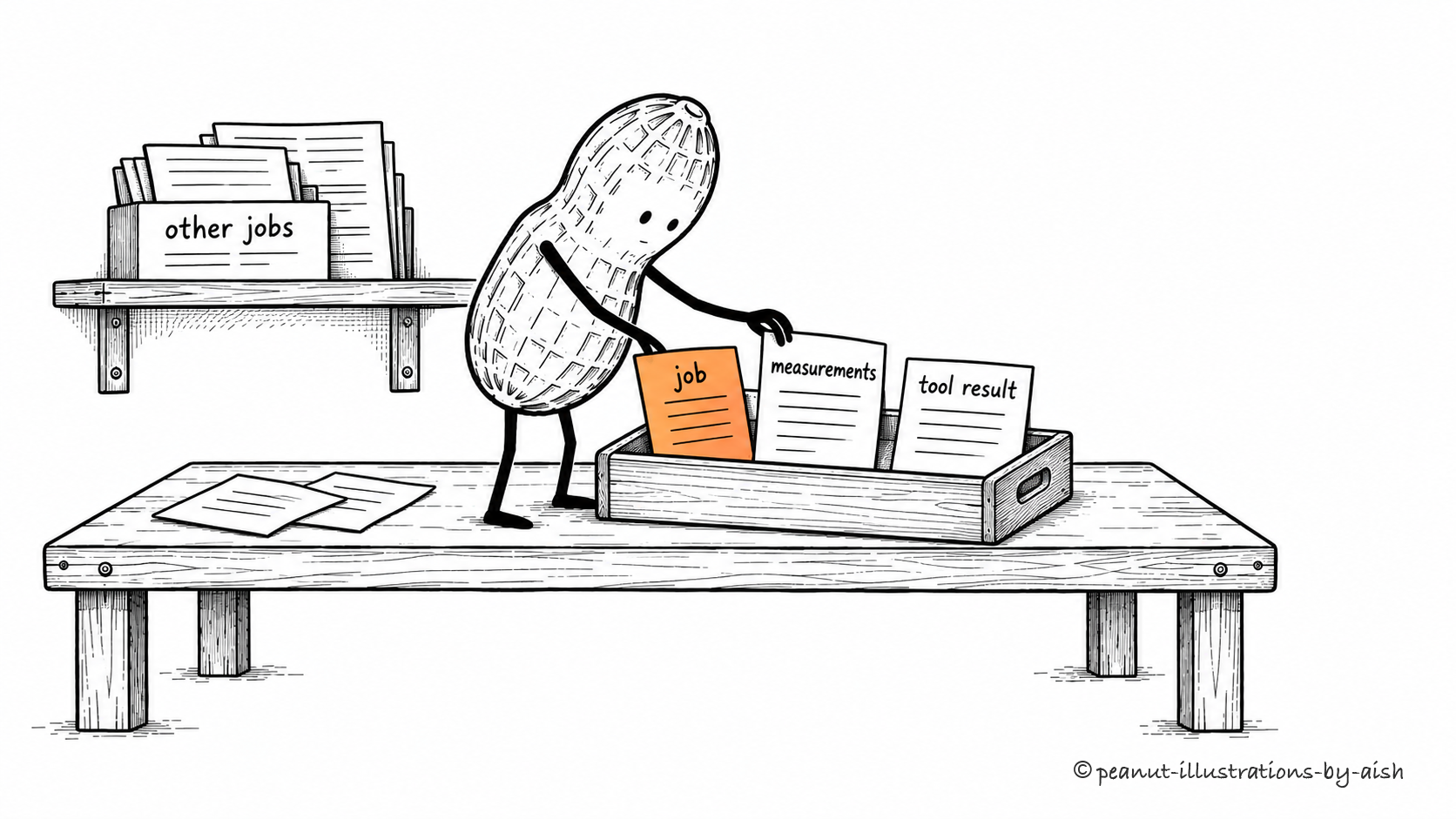
Pack for the next step. The unrelated papers can stay on the shelf.Peanut selects the information for the agent’s next step. The tray represents the supplied context; the shelf holds material left out of this call.
What does the model need to make the next decision? Context engineering turns that question into application behavior: selecting instructions, retrieving documents, retaining useful results, and removing clutter. The selection changes as work progresses. A good context strategy supplies relevant evidence when it is needed and gives the system a way to recover details later.
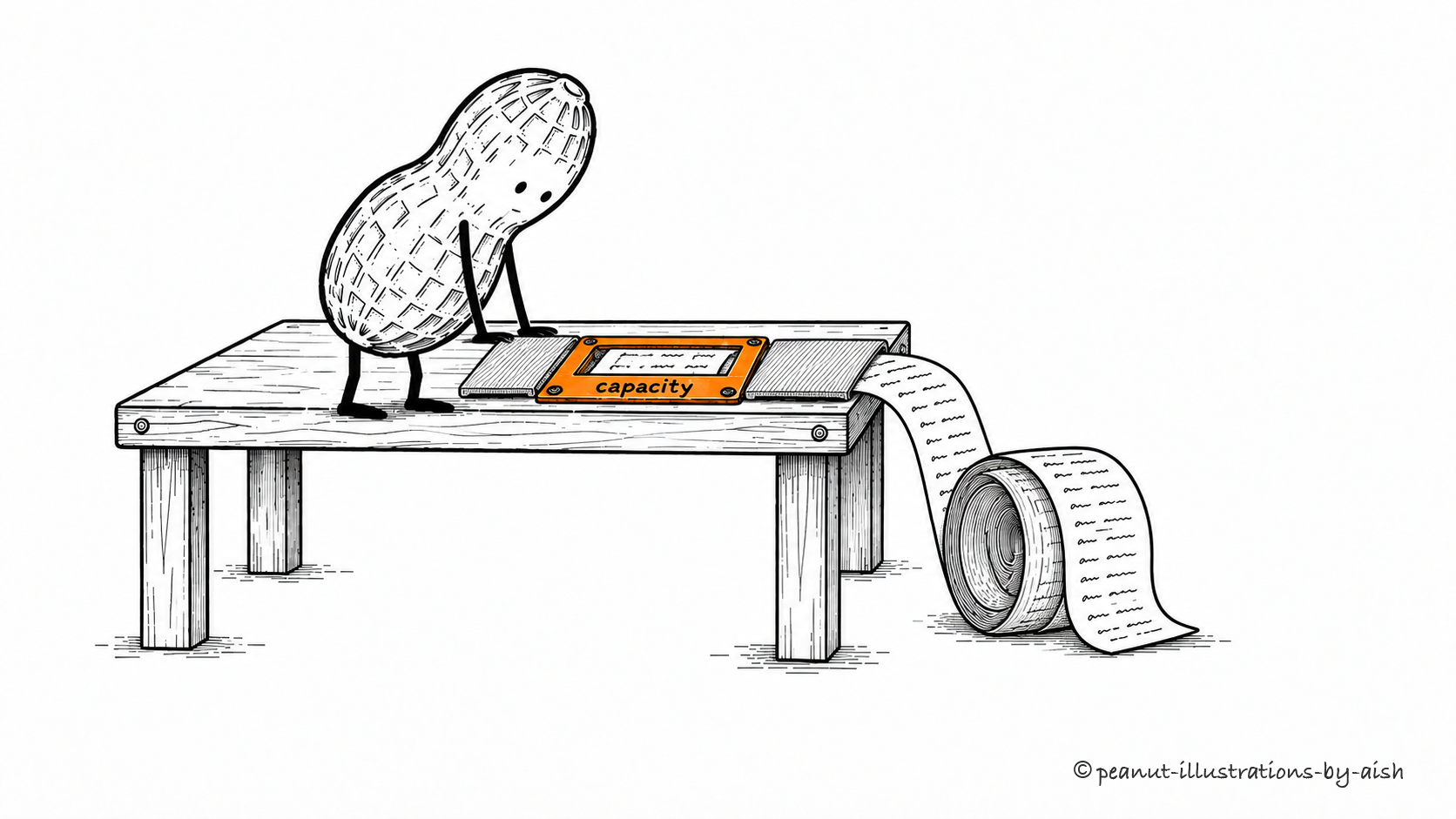
The maximum amount of tokenized information a model can handle within a single inference context.
The paper keeps going beyond the opening.Peanut is using the model’s available context. The opening represents its bounded capacity; the rest of the roll is information that exists outside that context.
A model has a finite capacity for the information involved in a single inference context. Supplied input and space needed for generation must fit the model's limits. Information stored elsewhere has to be brought into context to be used directly. Increasing the window gives you more capacity; choosing useful content remains part of the job.
Context compaction
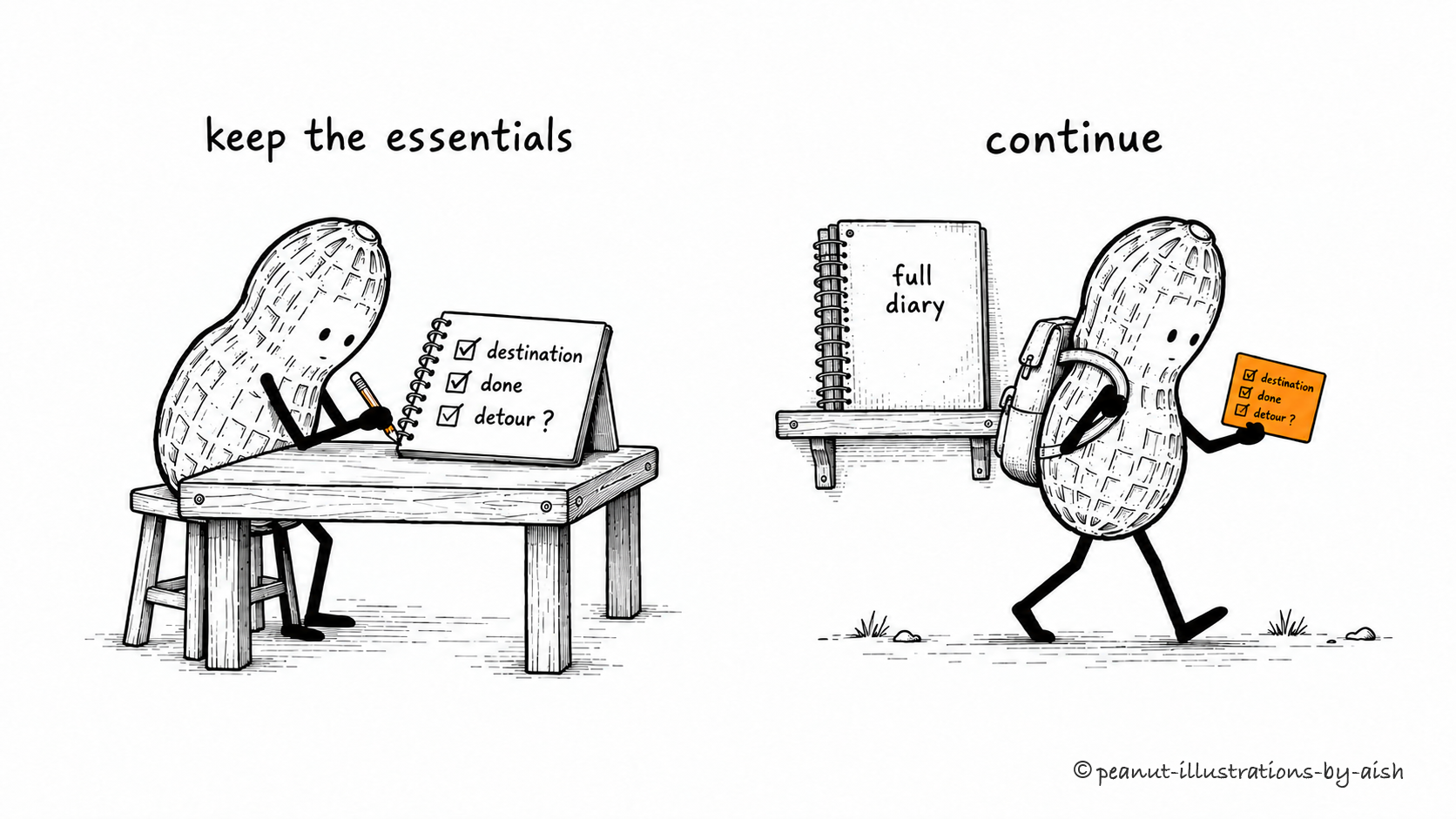
Reducing accumulated context while retaining the information needed to continue a task.
Keep the destination, the completed stops, and that unresolved detour.Peanut is the agent continuing its task. The card is compacted context, including the detour question; the retained diary represents the fuller record.
Long-running work accumulates more history than the next step needs. Compaction reduces that history, often by summarizing earlier messages and removing redundant material. Preserve decisions, constraints, and unfinished work with care. Since compression loses detail, retain a way to consult the underlying records when the summary leaves an important question unanswered.
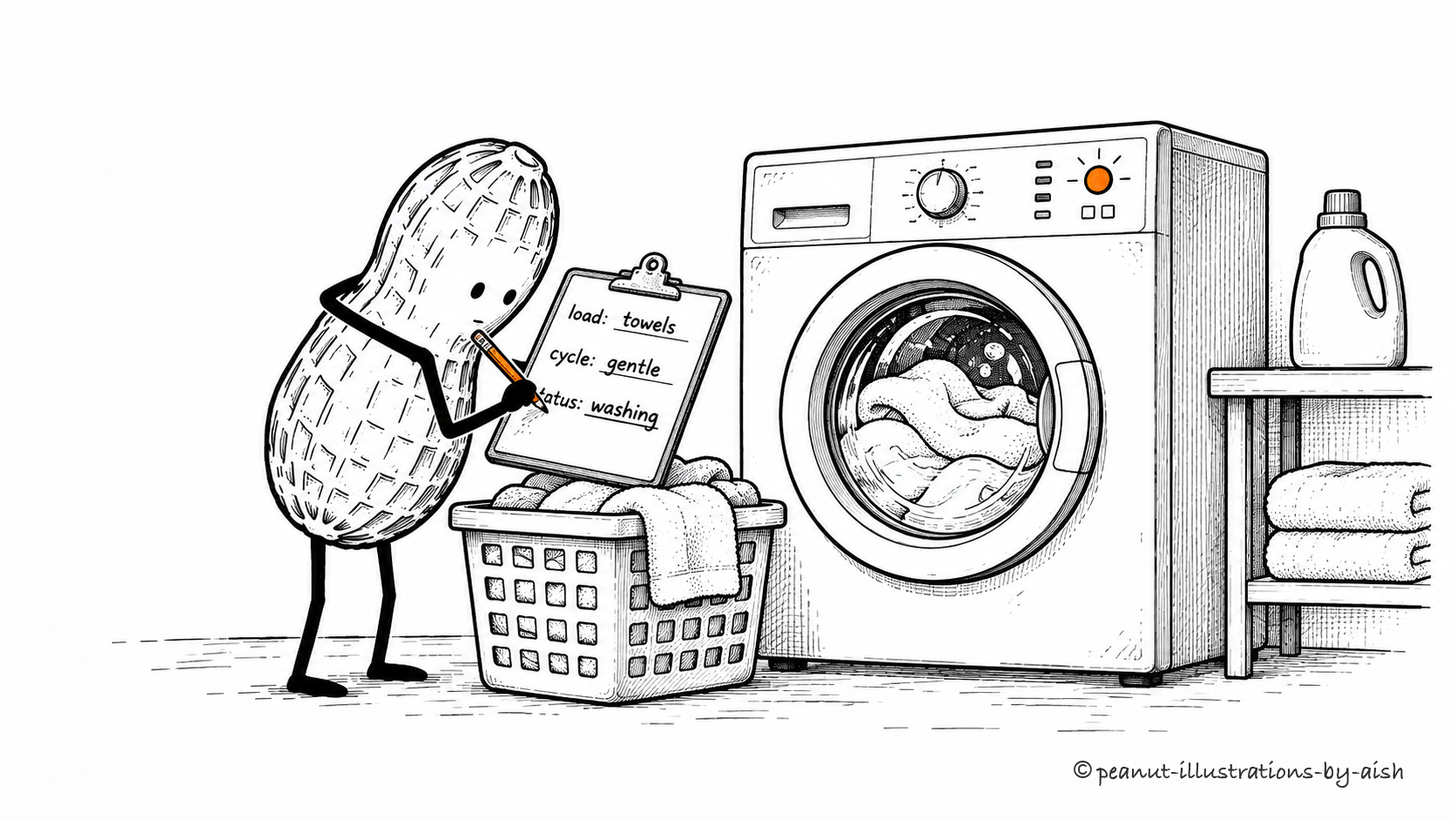
Data that records the current interaction or run and its progress.
Towels. Gentle cycle. Still washing. The ticket keeps track.Peanut is the agent. The ticket represents the application's record of the current job.
Session state lets an application keep track of the current interaction. It may include messages, intermediate results, progress, and a pending approval. Some state is supplied to the model; other parts remain in application storage. Keeping that distinction clear helps avoid stuffing every operational detail into the prompt.
Working memory
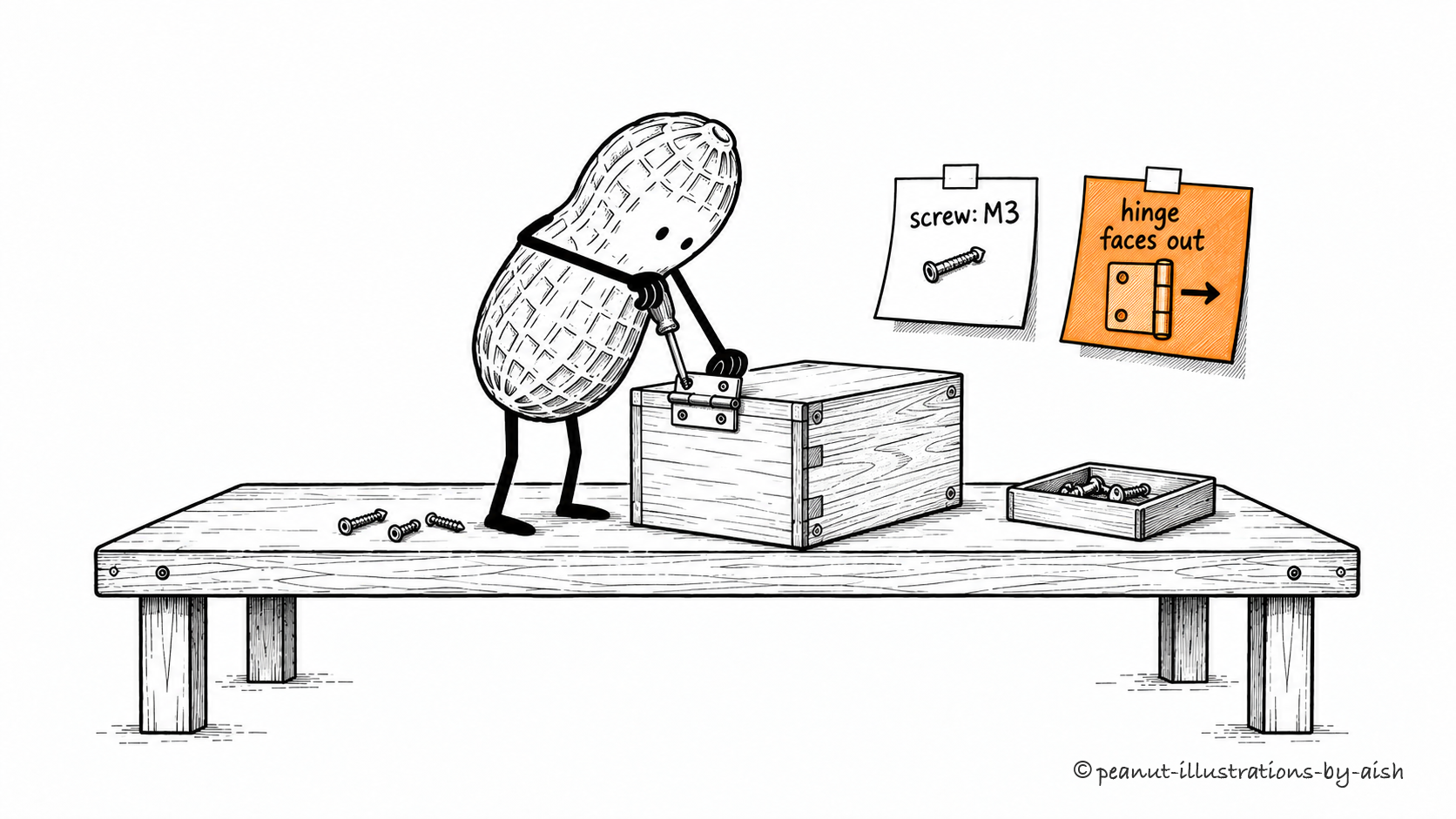
Information kept readily available for the agent's immediate task.
Screw size and hinge direction stay within reach.The two notes stand for information kept available for this step: which screw to use and which way the hinge faces.
An agent may keep immediate task information in its current context, a scratchpad, or task state. This is often called working memory, though implementations vary. Refresh the selection as the task progresses so the useful notes remain easy to find.
Persistent memory
Information stored beyond a single interaction so it can be retrieved and used later.
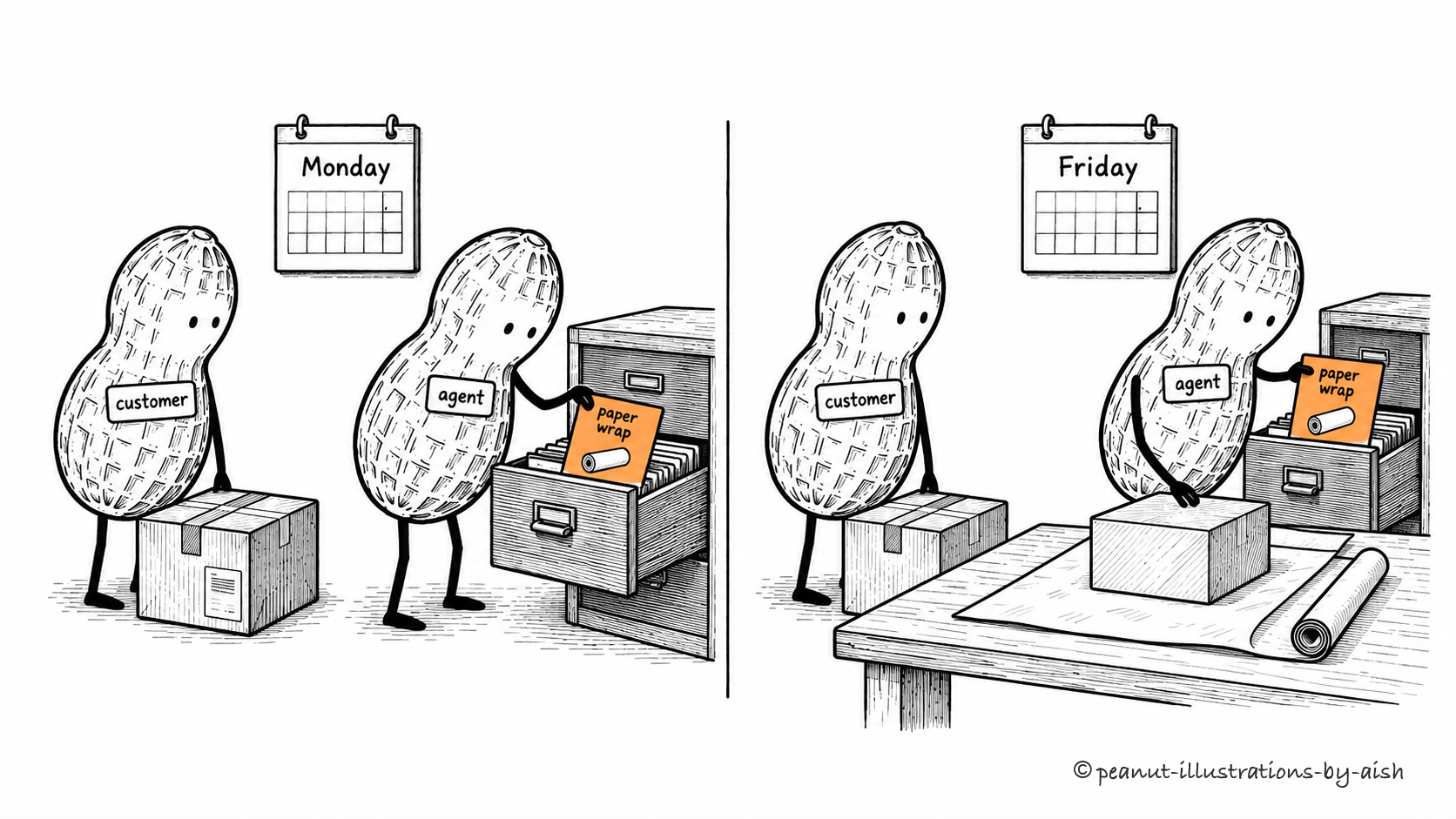
Friday's parcel gets Monday's packing preference.The drawer is application storage. Retrieving the saved card makes the preference available on the later visit.
Useful information can survive a session in a file or database. Later, the application retrieves relevant records and supplies them to the model. That retrieval is what makes a saved preference available for the current response. Storing the record changes application memory, not the model's trained parameters.
Checkpointing
Saving task state at defined points so execution can recover or resume from recorded progress.
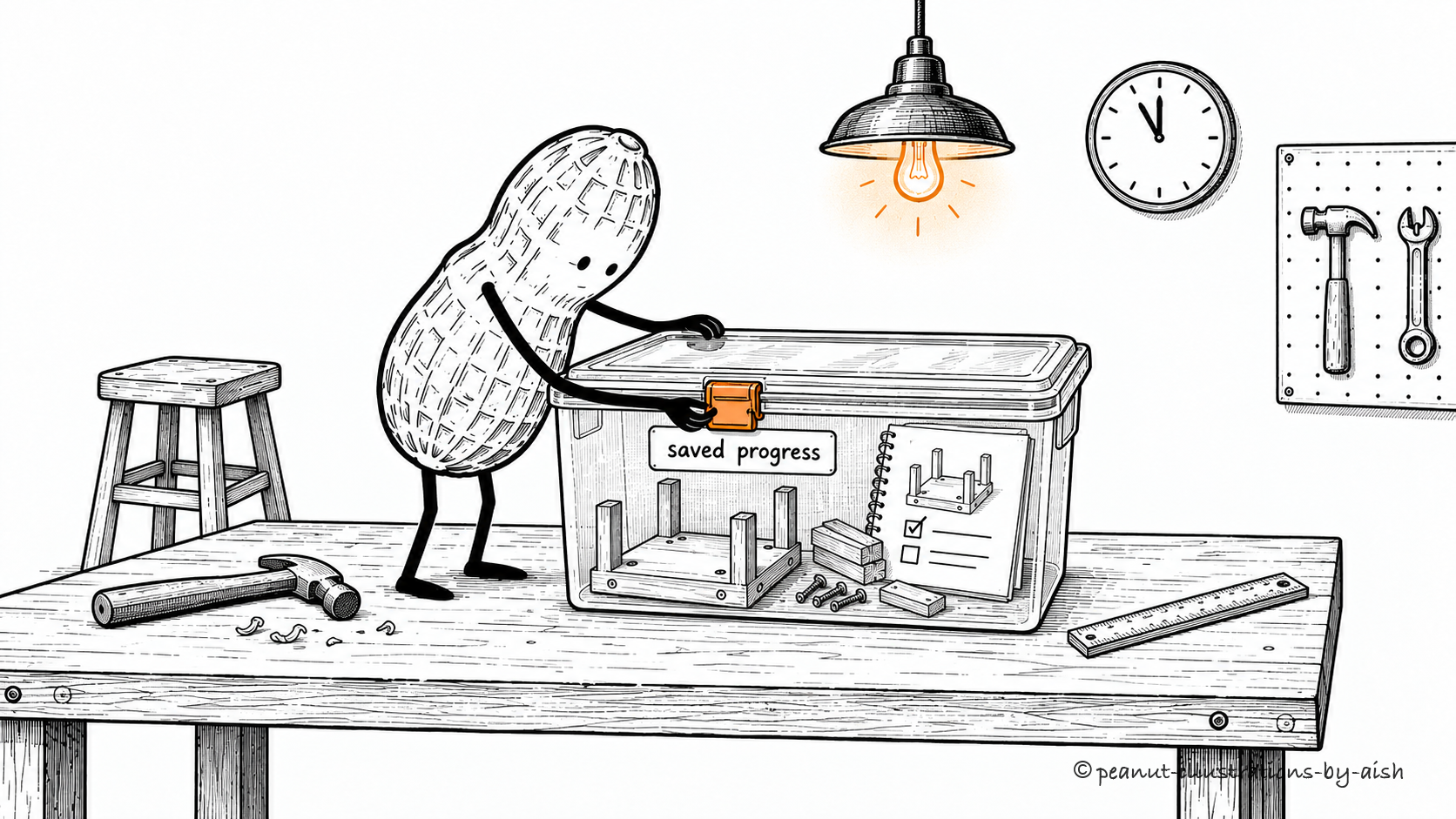
Save the parts and the progress notes together.The tray stands for a checkpoint: saved task state and completed results, kept together for recovery.
Imagine a run stopping halfway through a long job. A checkpoint gives its recovery logic a recorded place to begin, including state and completed results.
External changes need separate attention. Restoring a local checkpoint does not undo an order already submitted to another service.
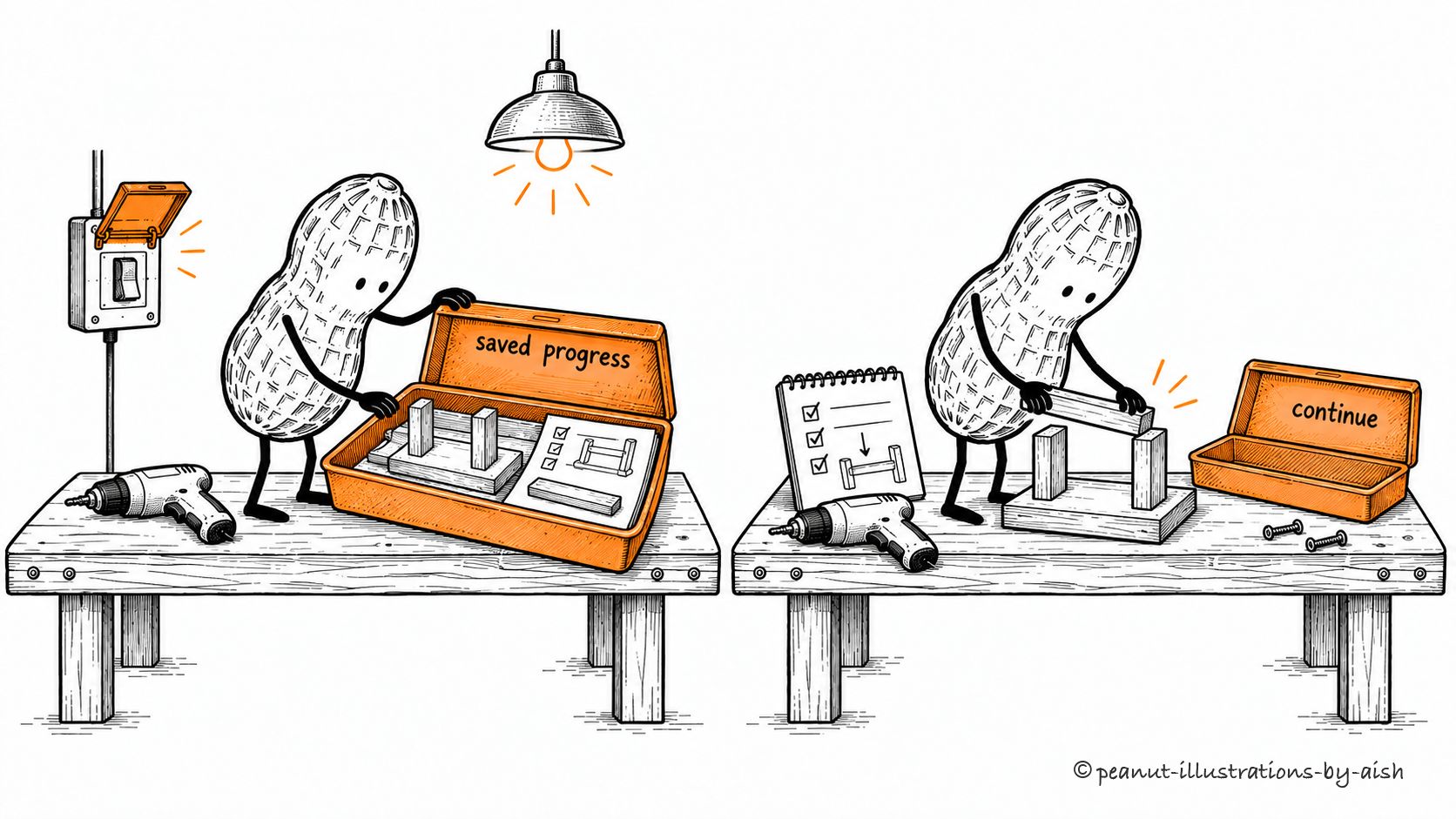
The lights return. Start with the next part.Peanut is the agent resuming work. The base and its two uprights stay assembled; the saved notes guide the next step.
Resuming means restoring the work well enough to continue from retained progress. That involves more than reading a saved file: tools may need to reconnect, permissions may have changed, and an external operation may have completed during the interruption. Recovery logic reconciles those conditions with what the application last recorded.