The model needs somewhere to work. Harness, runtime, scaffold, and orchestration describe overlapping pieces of that environment. Read them together: the boundaries vary across tools and teams.
Agent harness
The surrounding software that connects a model to tools, manages its work, and applies execution controls.
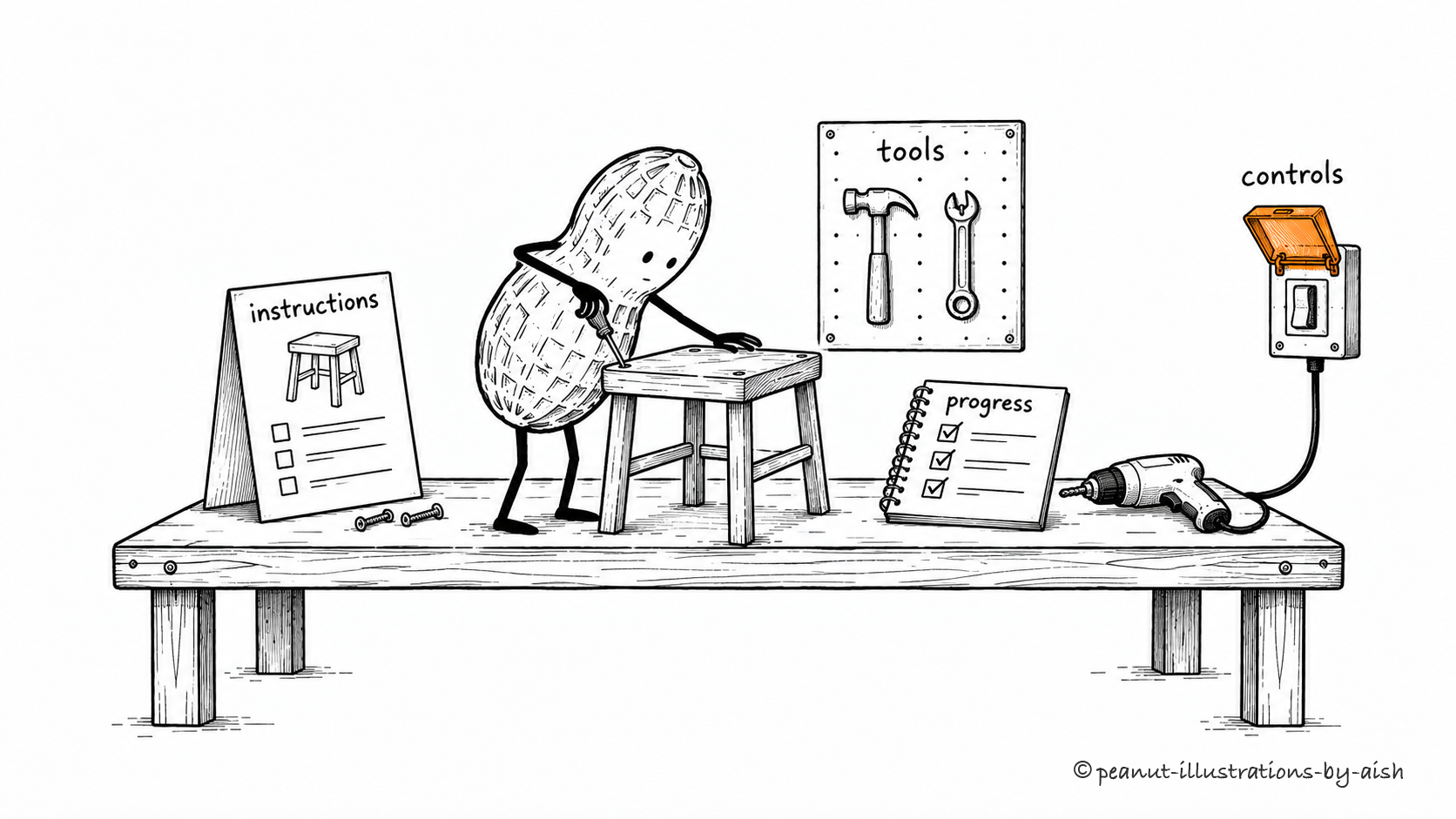
The stool gets repaired at a very well-equipped bench.Peanut is the agent. The bench, tools, job card, notebook, and guarded switch stand for the software that supports and controls its work.
A model needs a way to call tools, receive results, retain progress, and operate within permissions. The harness supplies that supporting software. When an agent loses track of a task or handles a tool failure badly, examine this setup as well as the model. Teams draw the harness boundary differently, but these supporting responsibilities have to live somewhere.
The software that runs an agent's execution cycle and manages its active operations.
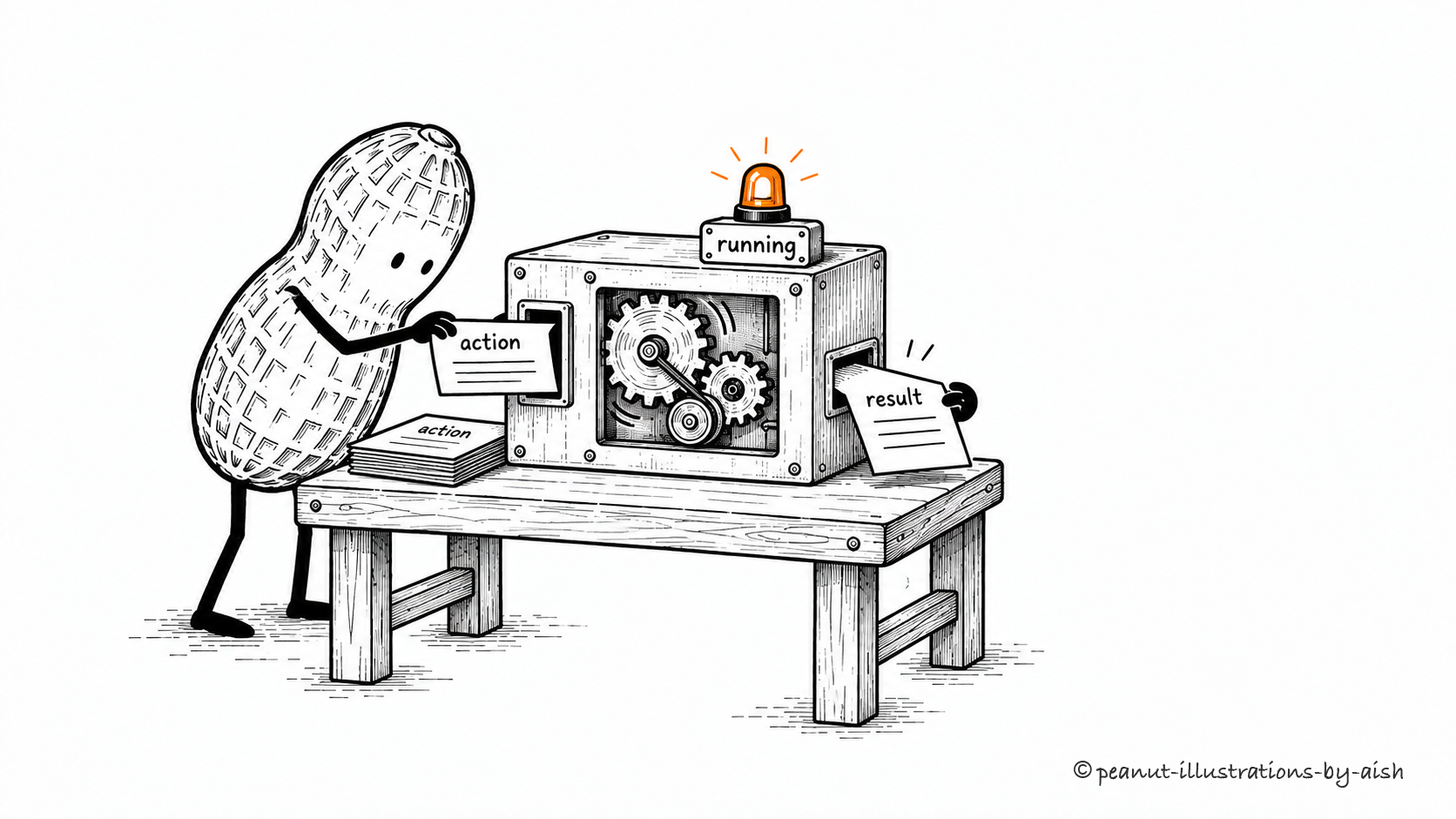
An action card goes in. A result comes back. Work continues.Peanut is the agent. The operating workbench represents the runtime executing actions and returning results.
Someone has to make the model call, dispatch the requested tool, and deliver its result. Those are runtime responsibilities. A runtime may also manage concurrent operations, cancellation, and failures. The term emphasizes active execution, so it overlaps with the harness wherever the harness also handles running the work.
Agent scaffold
A supporting arrangement of prompts, code, and task structure used to guide an agent's work.
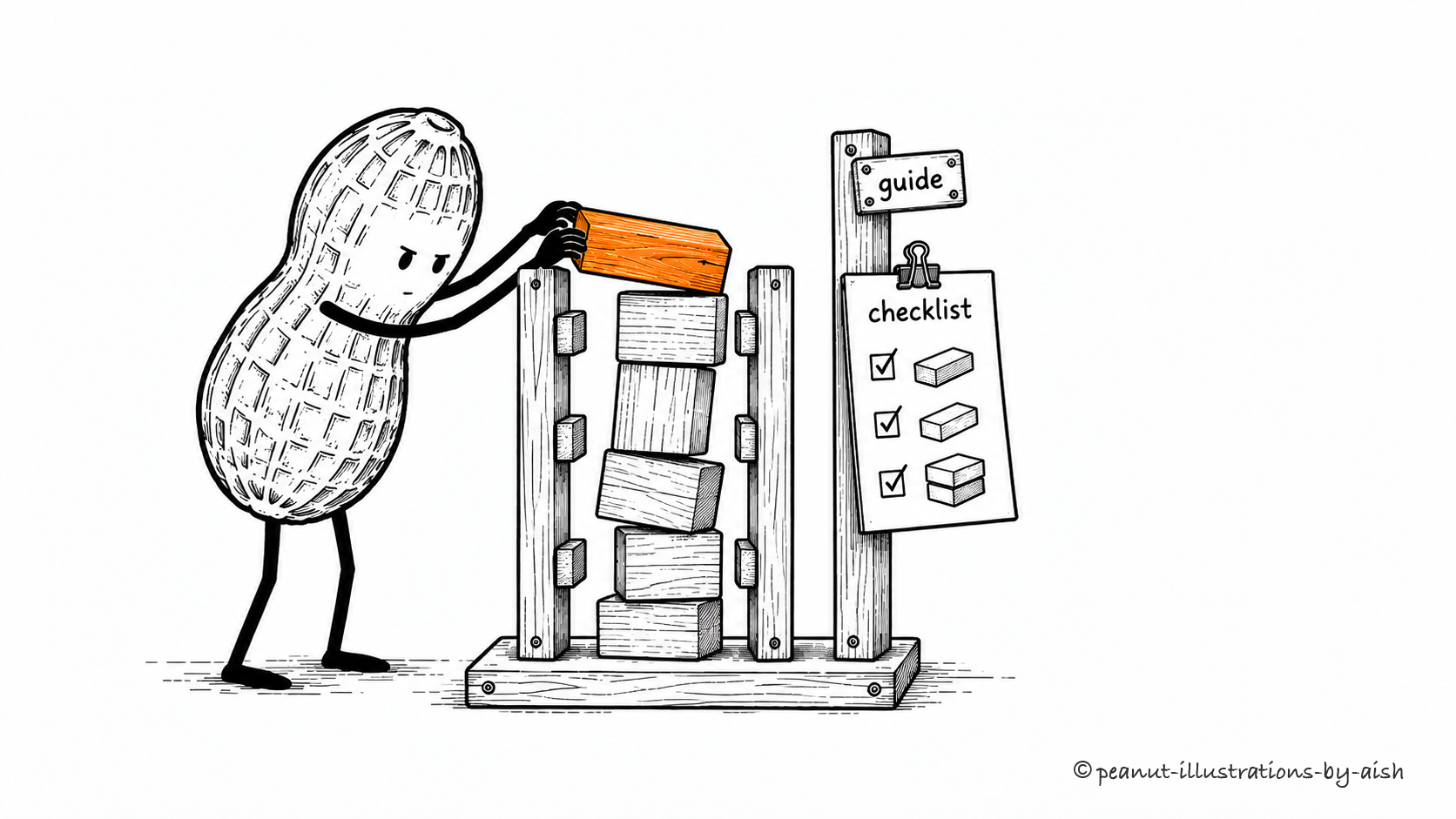
A guide frame helps with the next brick.Peanut is the agent building the tower. The guide frame and checklist represent the structure supplied by prompts and code.
Prompts and code can give an agent useful structure: a planning stage, a checklist, or a review step before completion. That arrangement is often called a scaffold. The term has loose boundaries and can overlap with harness. When discussing a particular system, describe the structure it supplies rather than assuming everyone means the same component.
Orchestration layer
Software that coordinates the order, dependencies, and exchange of information between tasks, tools, or agents.
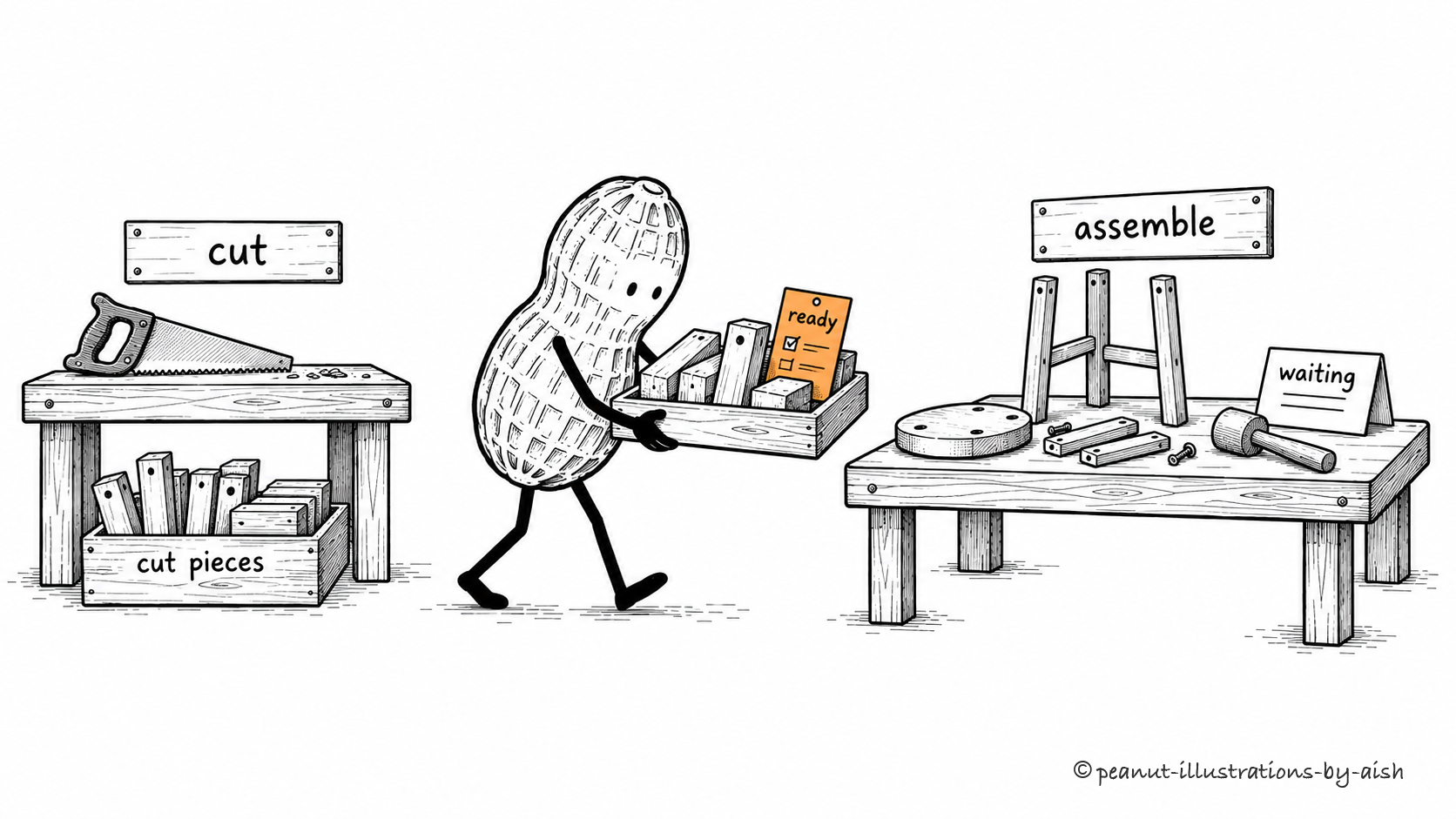
Assembly is ready. The cut pieces are not.Peanut carries work between dependent steps here. The waiting assembly bench makes the dependency visible: its next step needs the cutting result.
Dependencies determine what can run next. An orchestration layer tracks those dependencies, passes results between steps, and coordinates the work. Some choices follow rules; others can be delegated to a model. A useful design makes it clear who decides the sequence and what happens when a required result never arrives.
Execution environment
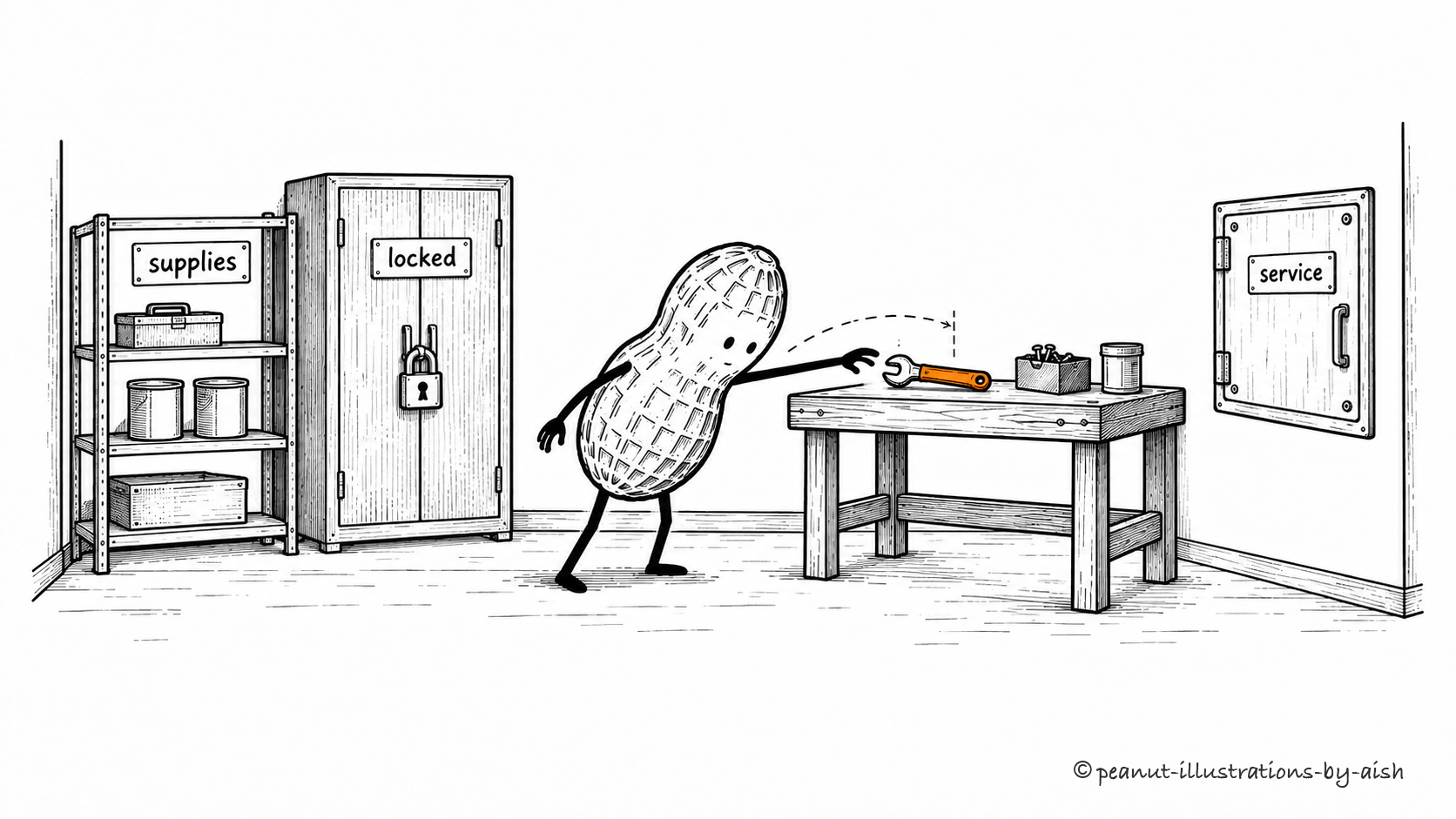
The computing environment in which an agent's tools and code run, including its resources and access limits.
The job happens with what is actually in the workshop.Peanut is the agent. The workshop represents where its tools run; the supplies, cupboard, and hatch show available resources and access limits.
Installed packages, files, compute resources, and network access all affect what a tool can do. Permissions further limit its reach. This is why a task that works in one environment may fail in another. Before blaming the model, check whether its tools can reach the files and services the job requires.