A proposed action becomes useful when software can carry it out. Start with tool calls and service connections, then look at agents working through browsers, applications, and development tools.
Tool use
An AI system invoking an external capability to obtain information or perform an action.
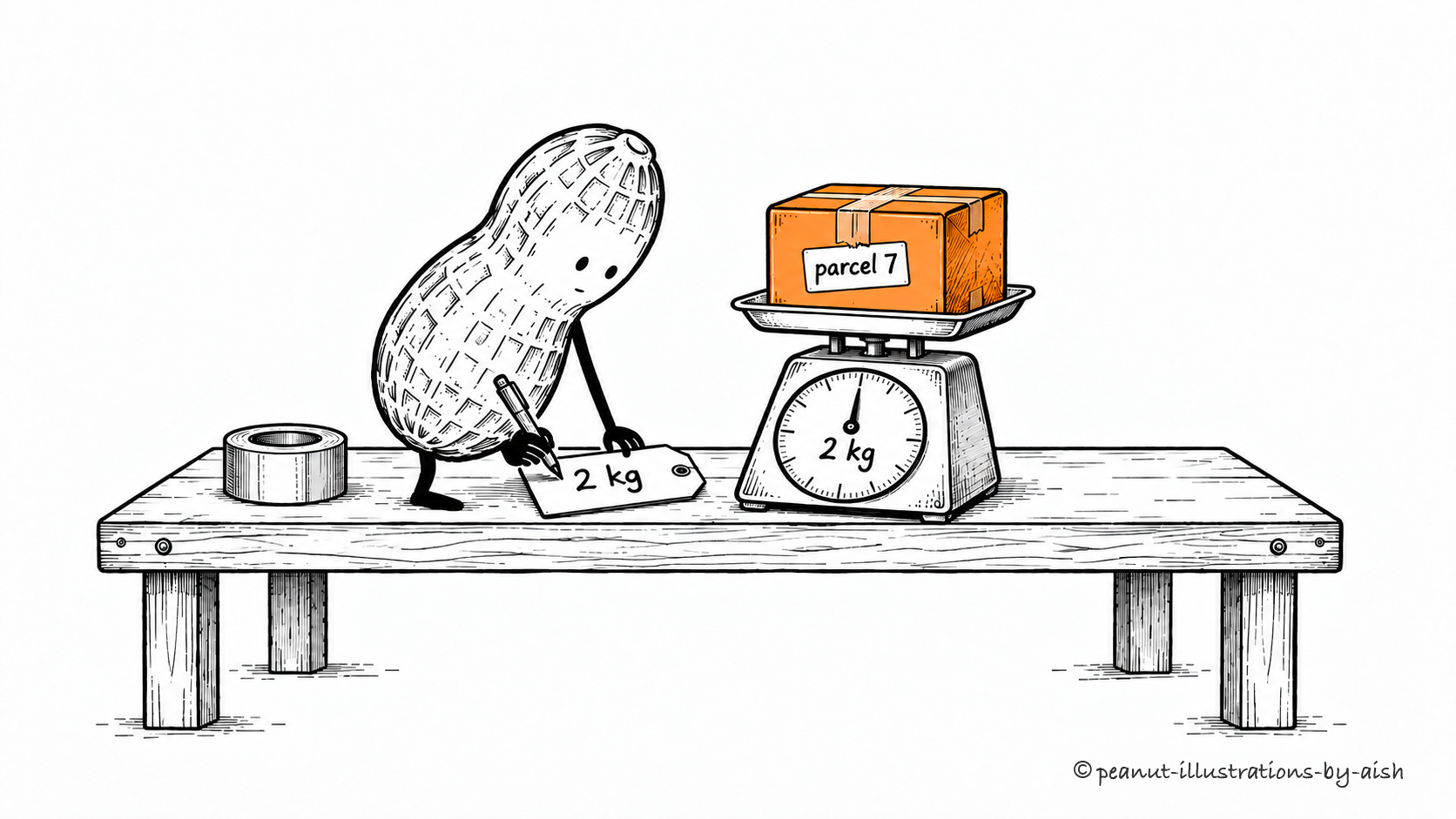
The scale supplies the weight.Peanut is the agent. The scale performs the measurement; the job card carries its returned result into the next decision.
Tools connect an AI system to capabilities beyond generating a response. A model can request a calculation, search, or record update, and an application or hosted service performs the operation. Its result then becomes available for the next decision. Good tool design makes the purpose, inputs, and returned information easy to interpret.
Side effects
Changes an operation makes to state outside the value it returns, such as updating a record or sending a message.
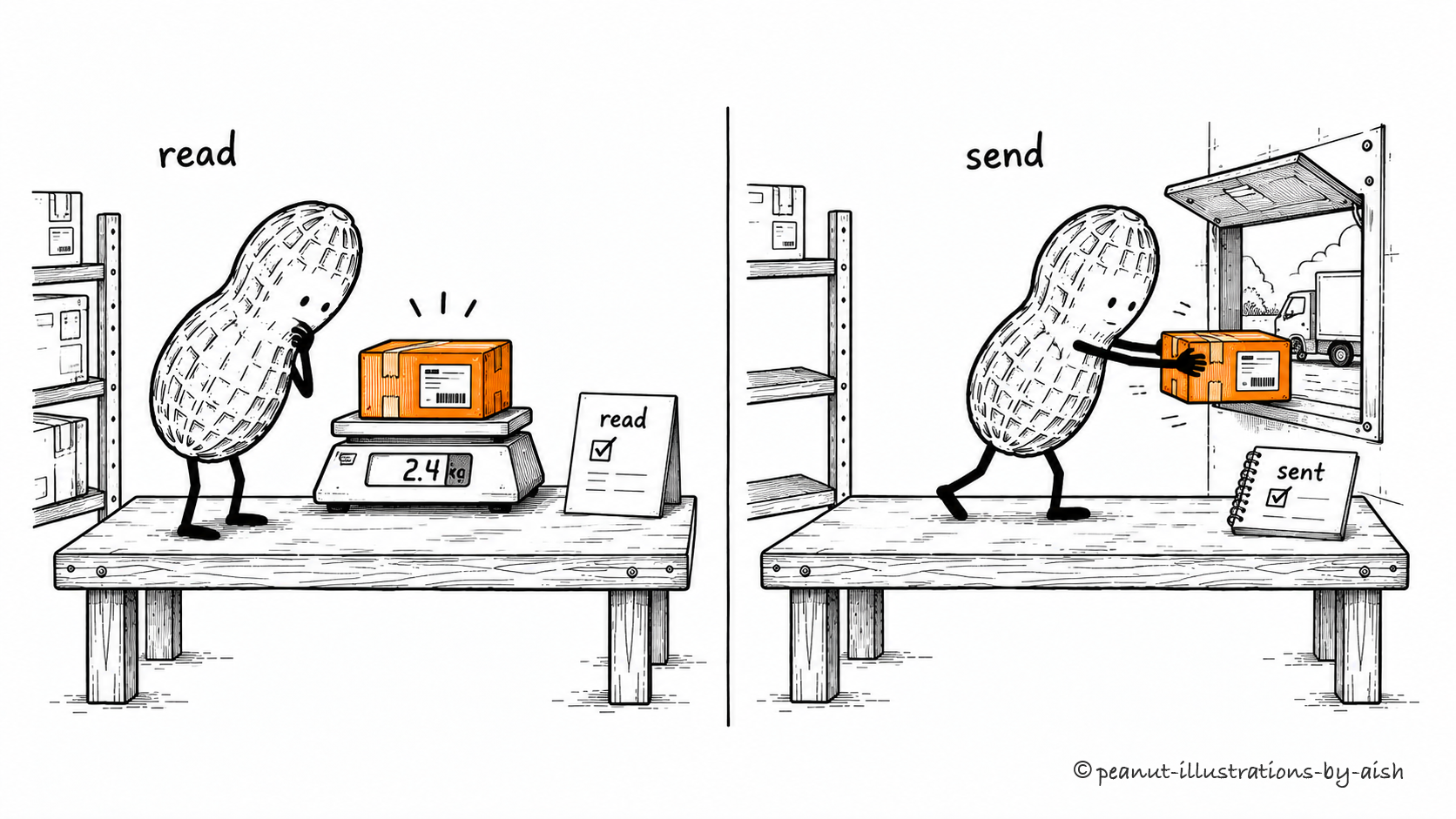
Reading the weight leaves the parcel here. Dispatching it changes that.Peanut is the agent in both scenes. The weighing step reads information; the dispatch step changes the world outside the agent.
Sending a message, modifying a file, and creating an order all change external state. These side effects deserve attention because an operation can take effect even if its reply gets lost. Before retrying, establish what happened or use the service's duplicate-protection mechanism. Approval rules should be applied before the protected change occurs.
Function calling
A mechanism for a model to request a named function or tool using structured arguments.
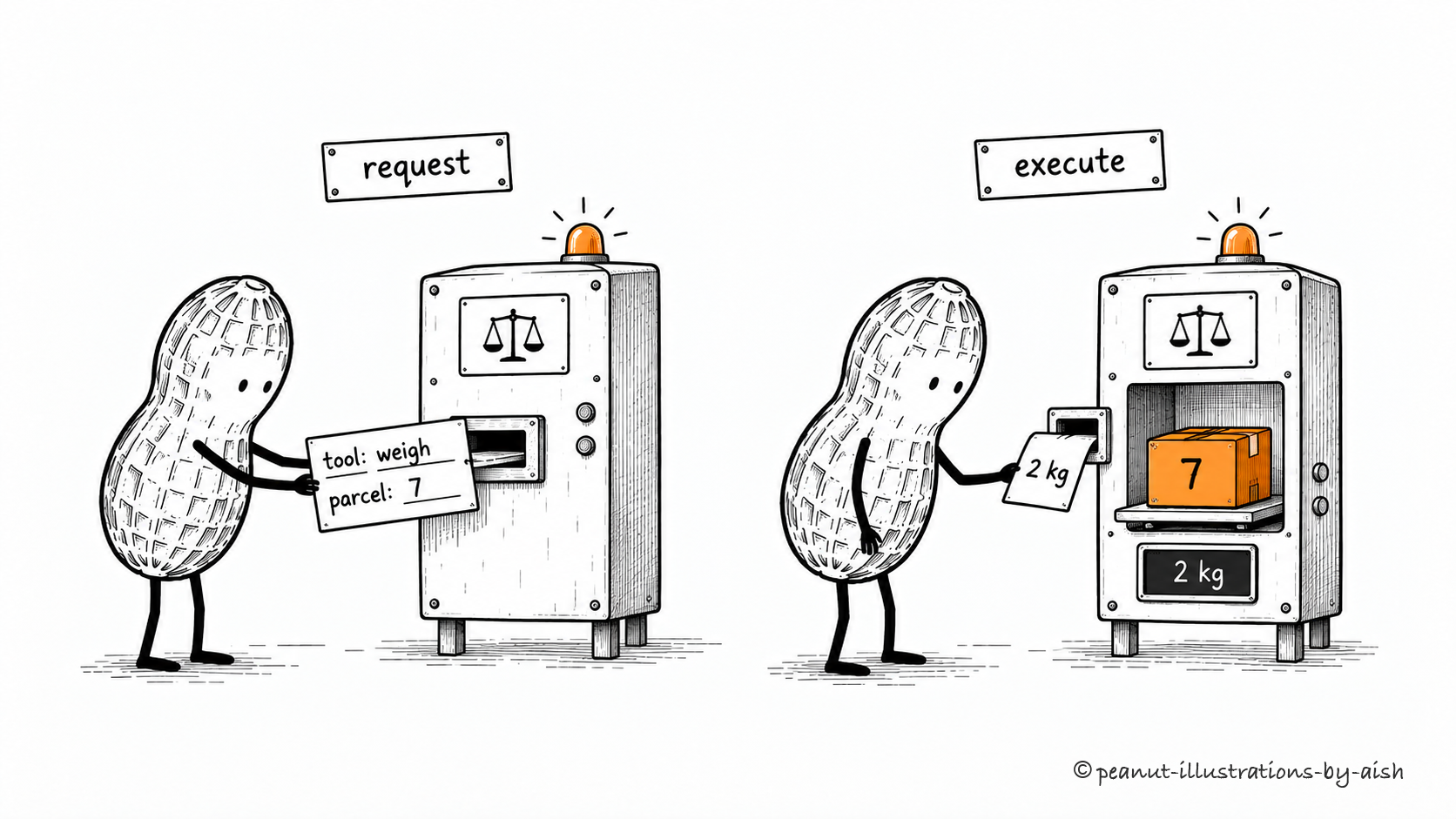
“Weigh parcel 7” is a request the service can execute.Peanut requests the operation with a tool name and arguments. The service mechanism represents the software that executes it.
The model produces a tool name and structured arguments. Software receives that request, checks it, and invokes the corresponding function. Keeping request and execution separate makes errors easier to locate: the model may choose bad arguments, or a perfectly good call may reach an unavailable service. The returned result lets the workflow respond to either case.
A machine-readable description of a tool's accepted inputs and, where supported, its outputs.
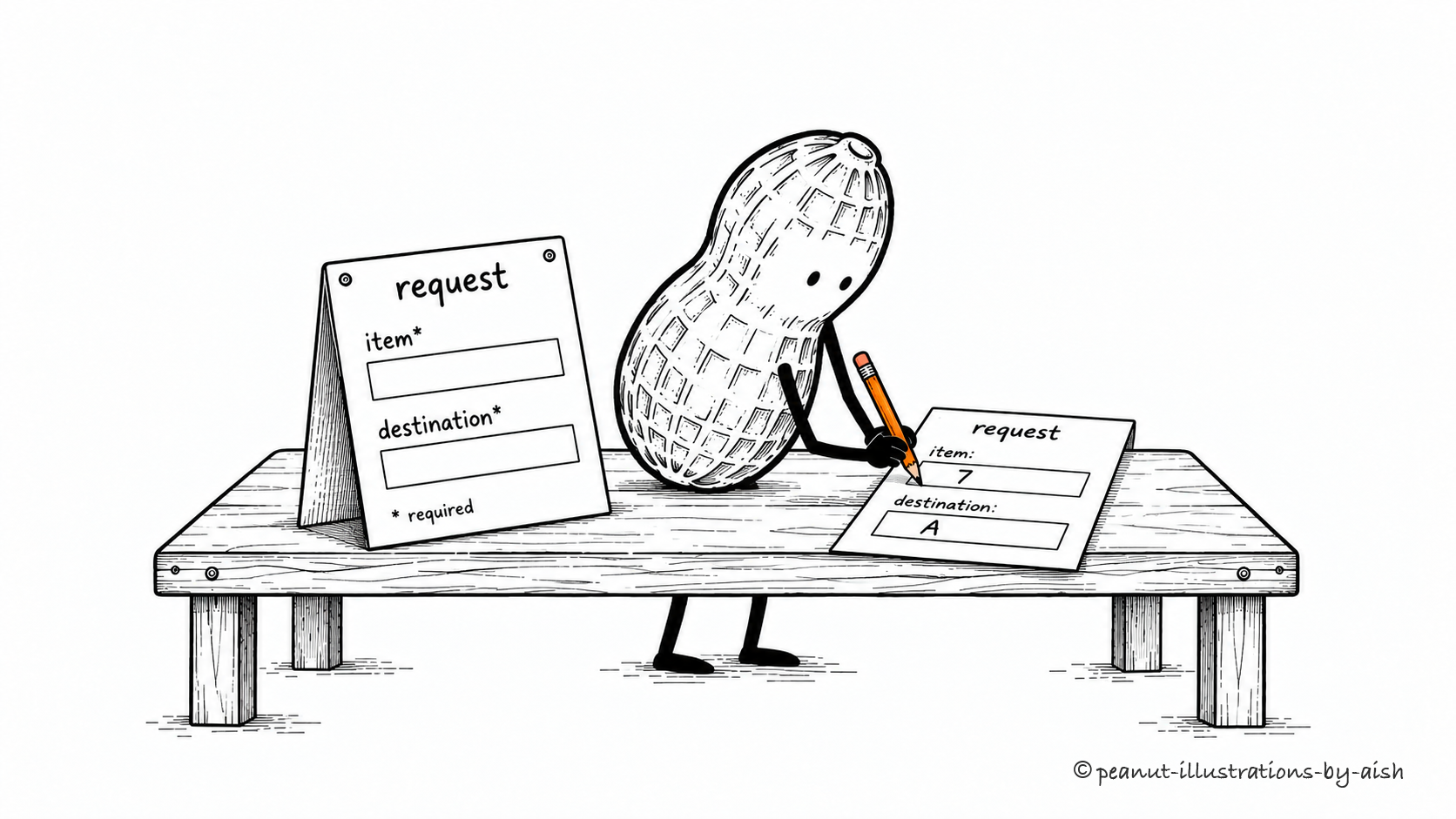
The form asks for an item and a destination. Both boxes matter.Peanut is preparing a tool request. The blank form represents the schema; the filled form is one request that follows it.
Schemas give software an explicit contract for a tool's data. They can declare field names, types, required inputs, and permitted values, often using JSON Schema. Descriptions explain what those fields mean and when the tool is useful. Together, they make a request easier for the model to construct and for the application to validate.
Tool routing
Selecting the tool or execution path appropriate for a request.
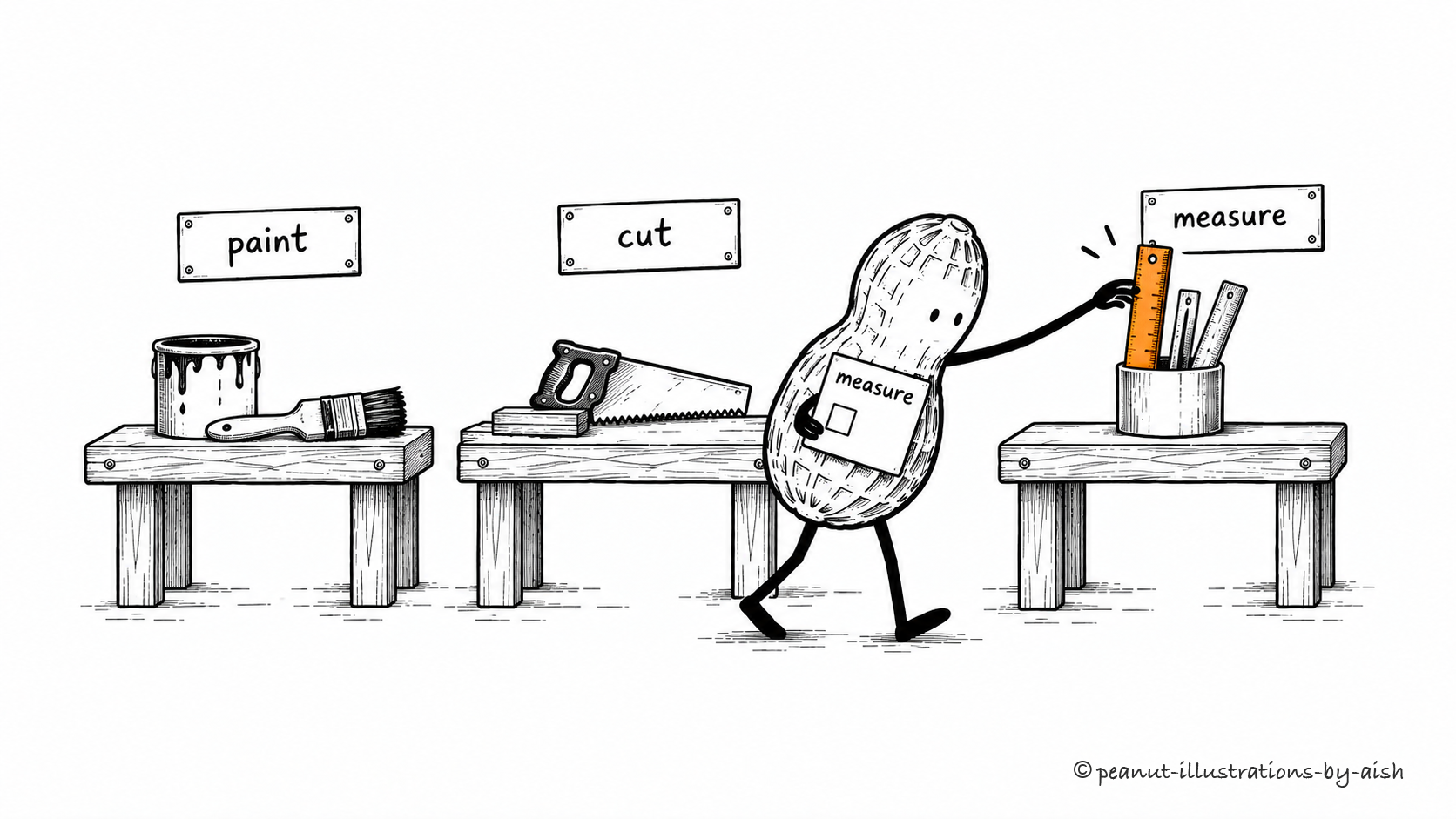
A measurement job reaches the ruler station.Peanut is selecting a capability for the task. The ruler is the chosen tool; constructing its particular request comes next.
A stock question belongs with the inventory tool; a calculation belongs with a calculator. Routing makes that selection through rules, a classifier, or model judgment, after which the caller constructs the arguments required by the selected tool.
Tool registry
A catalog that lets software discover available tools and the information needed to invoke them.
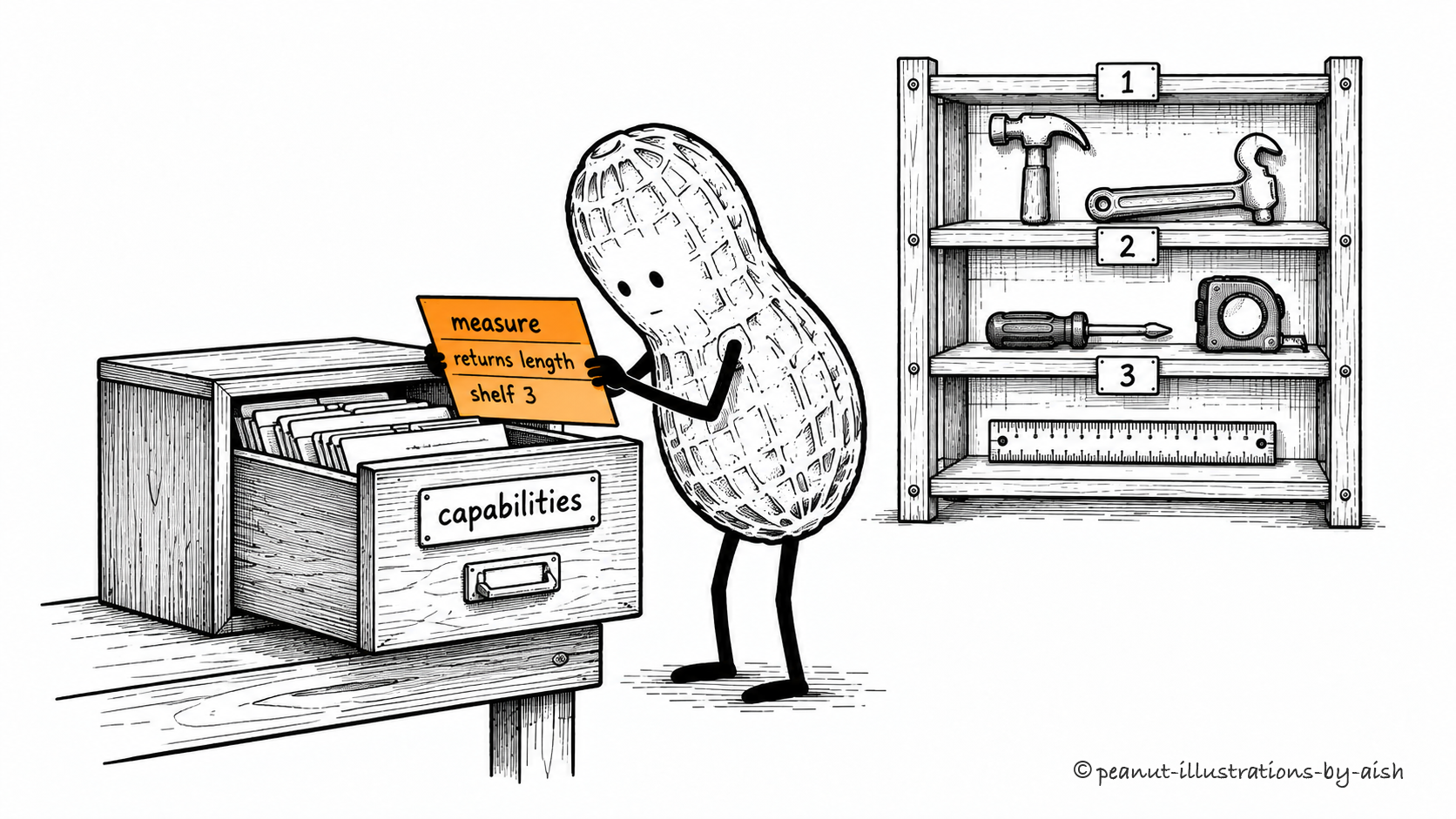
Find the capability card before hunting through the shelves.Peanut is discovering an available capability. The drawer represents the registry and the card describes how to find and use a tool.
A registry helps an application discover tools and their calling information, such as names, descriptions, schemas, and connection details. Think of it as the capability catalog: permissions determine which of its entries a particular task can actually use.
Agent skills
Reusable packages of instructions and supporting resources that guide an agent through a particular kind of task.
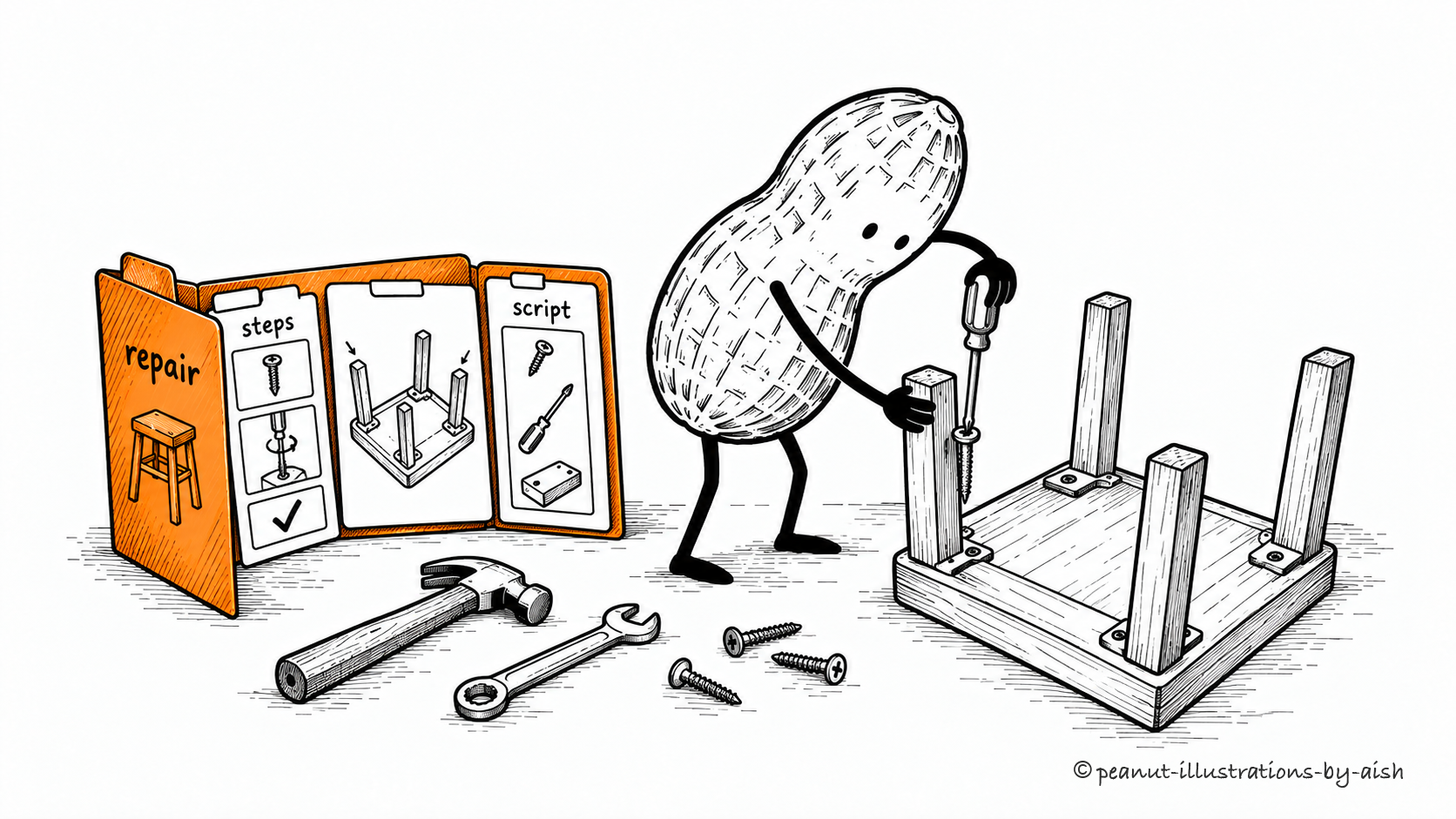
The repair procedure lives beside the tools.Peanut is the agent. The folder represents a reusable skill package; the screwdriver and other equipment perform the operations it guides.
An agent can load a reusable package of instructions and resources when a task calls for it. In the Agent Skills format, that package centers on a SKILL.md file and may include scripts, examples, or reference material. A skill guides the work; tools perform the operations it requires. One procedure may draw on several capabilities.
An open protocol through which AI applications discover and access capabilities provided by other programs.
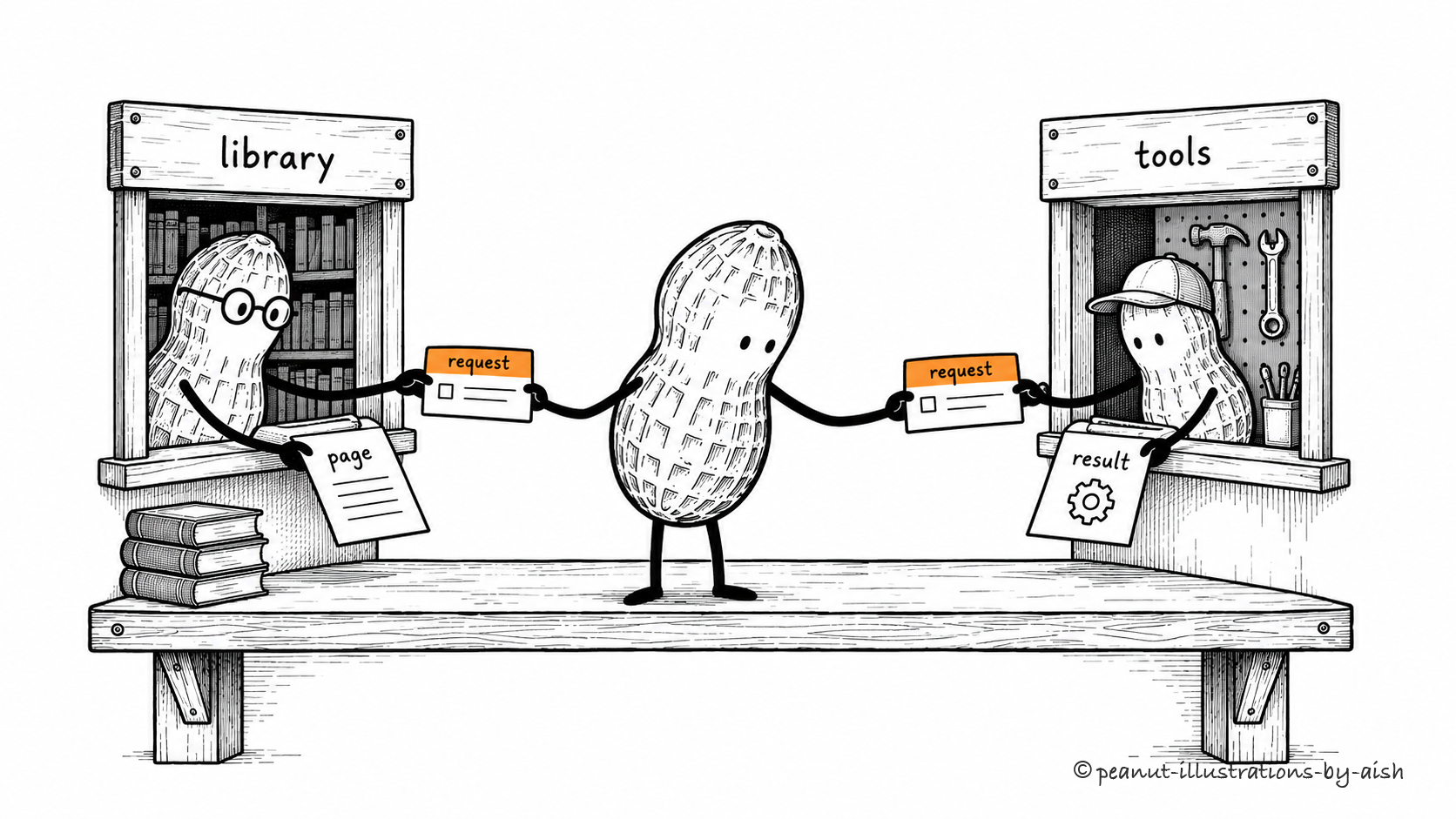
Different service hatches, one agreed way to ask.Peanut represents the client side of the exchange. Matching cards stand for the common protocol; the hatches offer different capabilities.
MCP gives AI applications and supporting programs a common protocol for discovering and exchanging capabilities. An application's client talks to a server that can expose tools, data resources, or prompt templates. The application decides how to use what comes back. Standardizing the exchange reduces the need to invent a different conversation format for every integration.
A program that exposes supported tools, resources, or prompts to MCP clients.
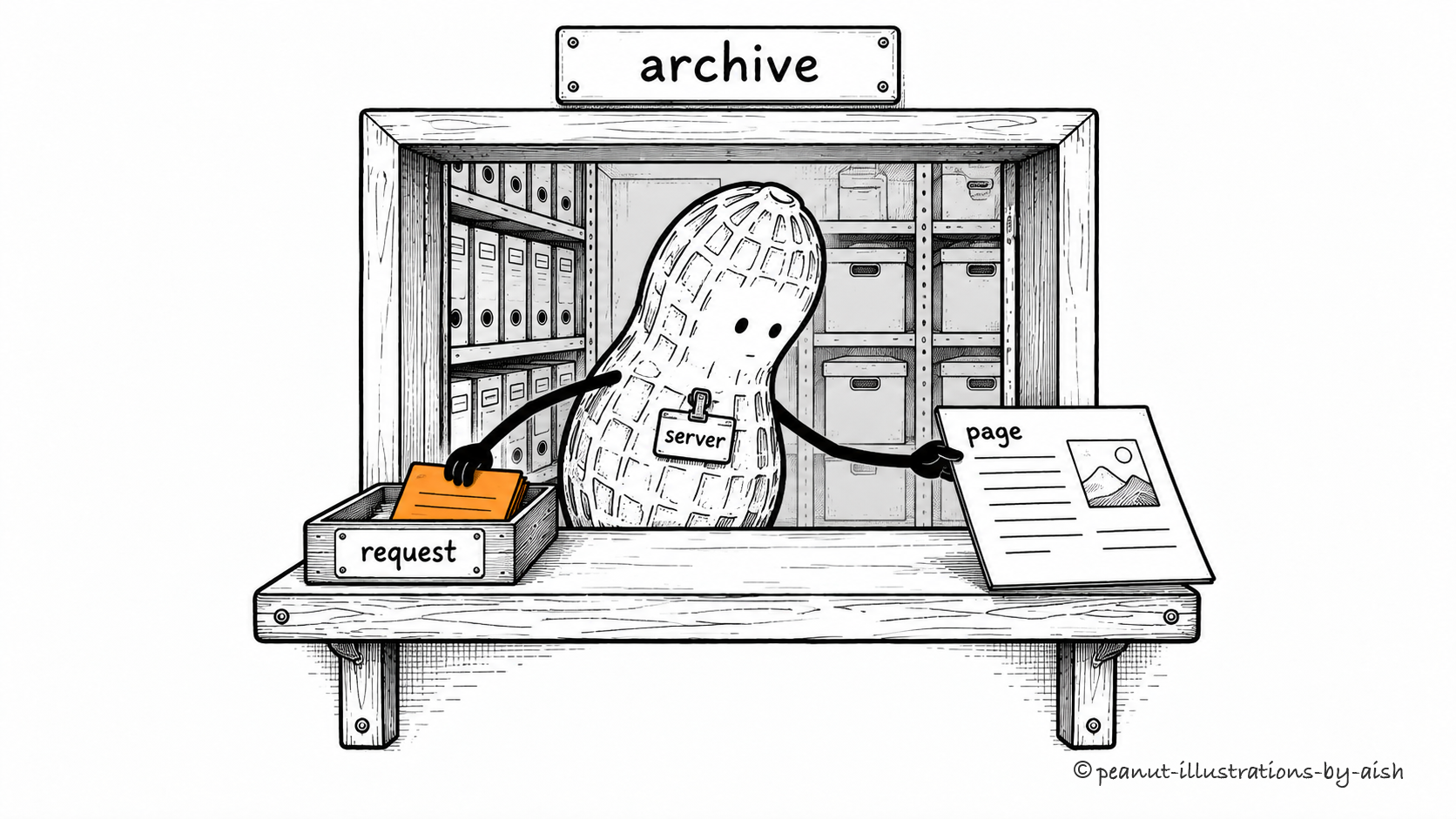
At this hatch, the archive page is the service.Peanut represents a software component here: the MCP server providing a capability to a client. The archive supplies the requested data.
An MCP server is the program on the providing side of the protocol. It exposes supported capabilities and handles requests from clients. That program can run on the same computer as the application or on a remote service. Its job may be as straightforward as retrieving files; it need not contain a language model.
An integration component that gives an application a supported way to interact with another service.
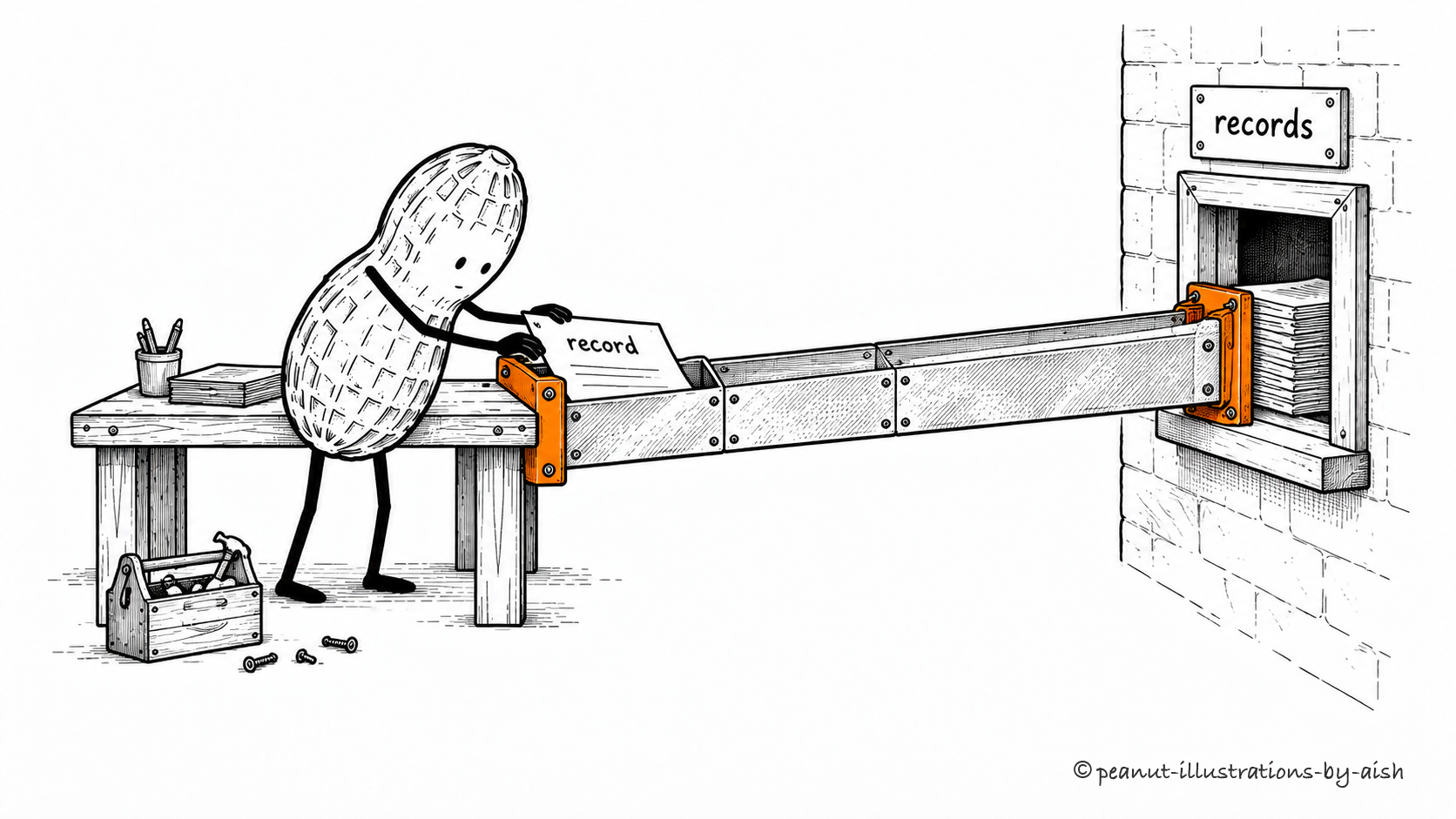
The records office now has a route to Peanut's desk.Peanut is using an integration. The fitted chute represents a connector that makes another service’s records accessible.
A connector packages the work of interacting with another service, including authentication and supported retrieval or actions. Its scope depends on the integration and granted permissions; MCP is one possible way to implement the exchange.
API integration
Software built to exchange data or actions with another system through its application programming interface.
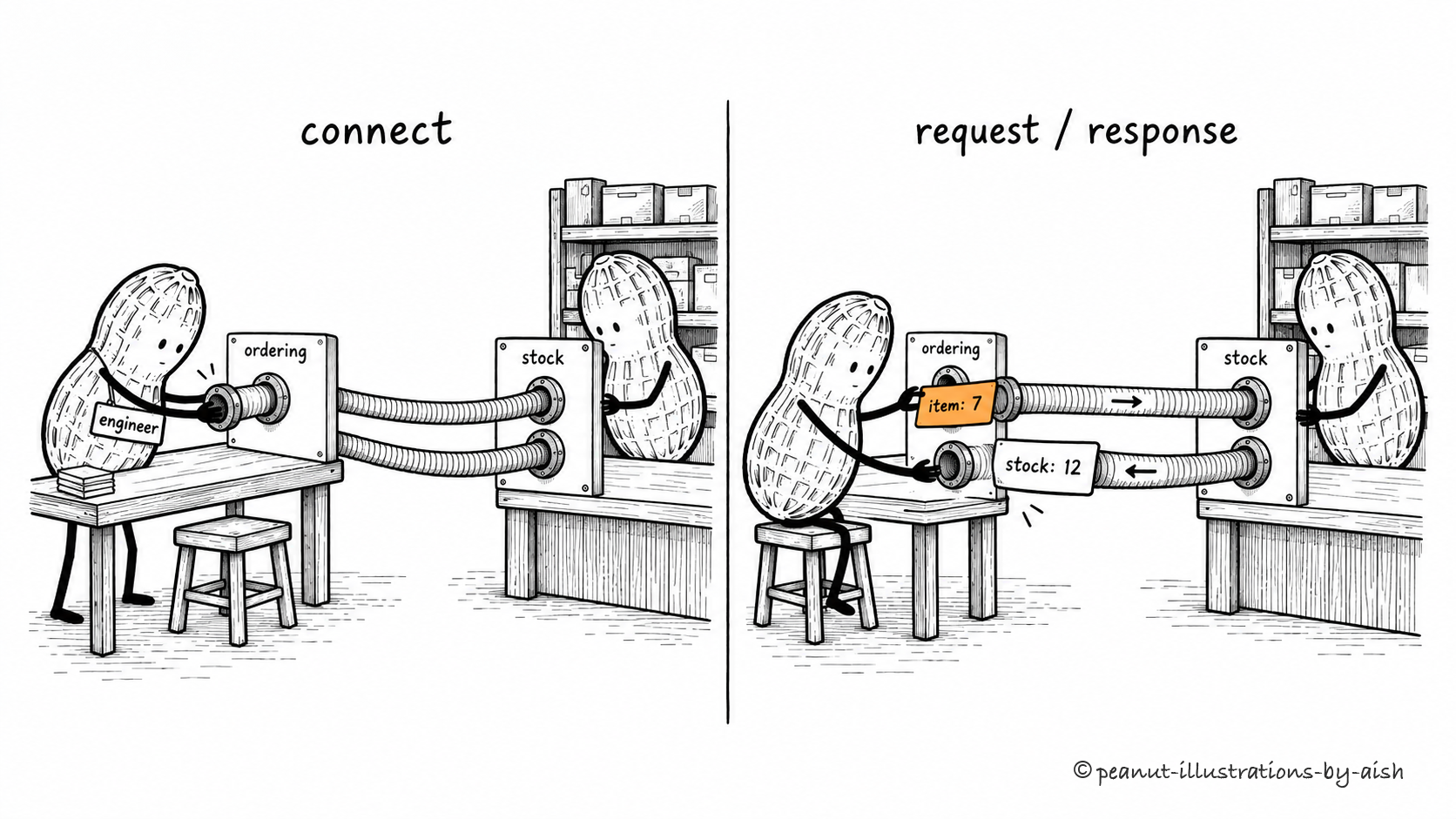
Send the item number. Receive the stock count.Peanut is the engineer in this drawing. The connected counters represent programs exchanging API requests and responses.
An API defines an interface another program can call. Integration work makes that exchange usable: constructing requests, authenticating, interpreting responses, and handling failures. An agent can access the integration through a tool. The same connection can also support ordinary software that follows a fixed sequence of calls.
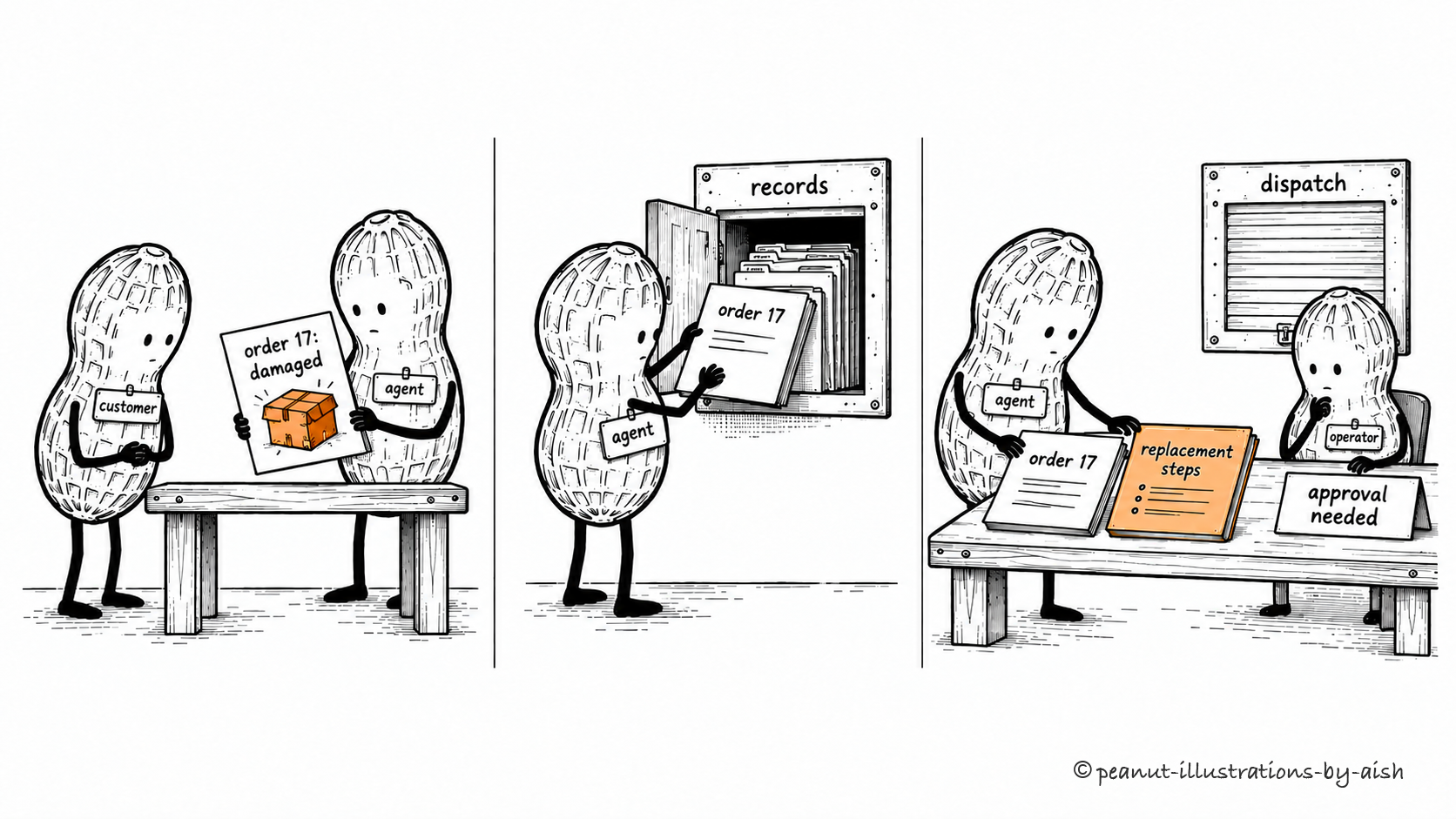
Order 17 needs a replacement. Start by finding out what was ordered.Peanut is the agent investigating the request. The customer and support operator are people, also drawn as peanuts; the operator’s approval is required before dispatch.
The request is “Order 17 arrived damaged. Please arrange a replacement.” In this fictional workflow, the agent may investigate and prepare the action, while a support operator must approve dispatch.
The application supplies the goal, relevant instructions, and available tools. A replacement-handling skill provides the procedure. The model requests the order record, and the tool returns the details needed for the next decision. At this point, the useful outcome is a grounded understanding of the request and what needs checking next.
Concepts together: AI agent, context engineering, agent skills, tool use, side effects.
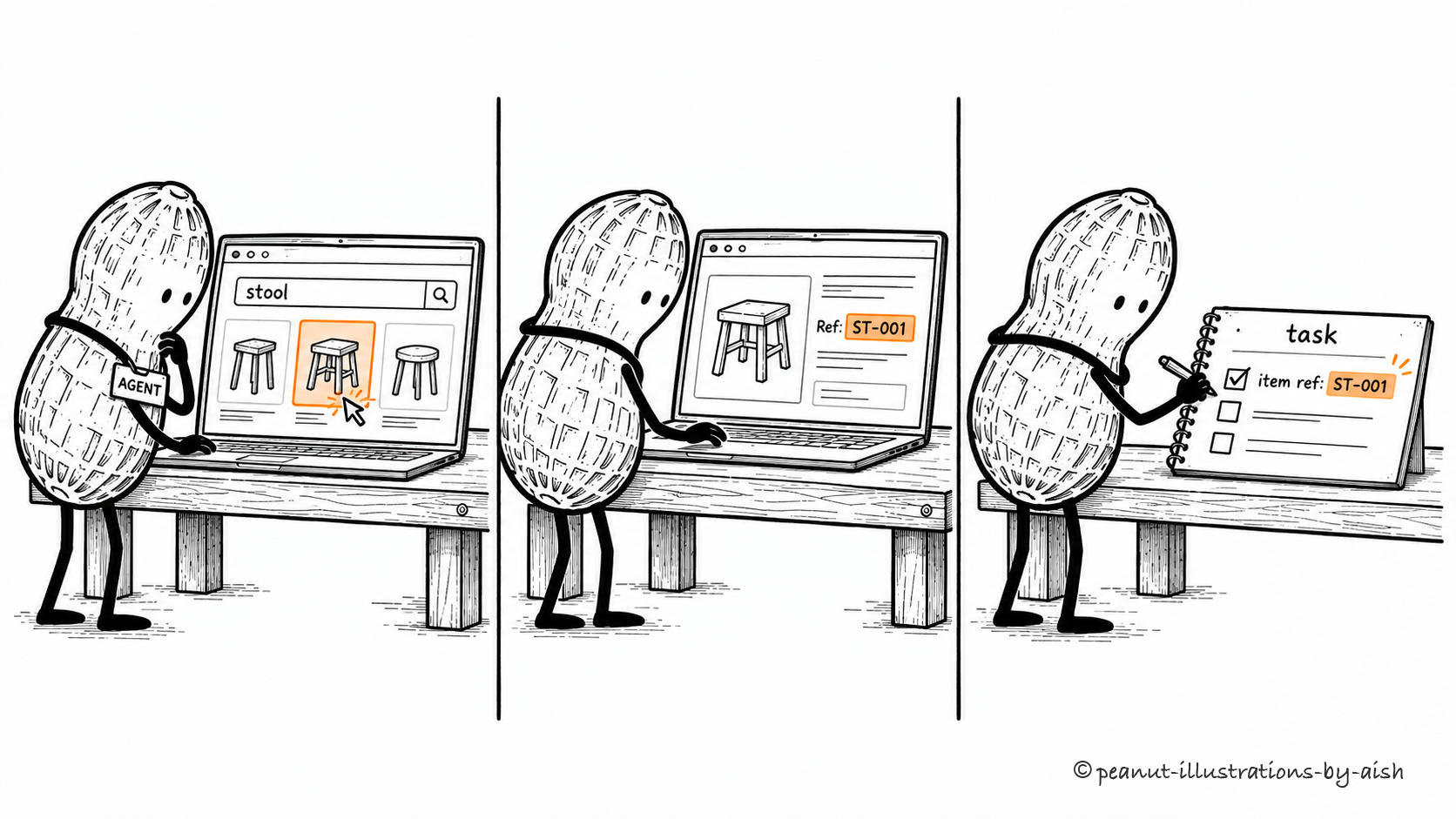
Search the catalog, open the record, copy the reference.The three steps represent browser observations and actions. Browser automation may also be driven by ordinary scripts.
A script or agent can use browser interfaces to navigate pages, fill forms, and read content. When a model chooses the actions, it also needs to interpret the resulting page and recover from unexpected states; browser automation itself does not require AI.
Computer use
An agent operating applications through user-interface observations and actions such as clicks, typing, and scrolling.
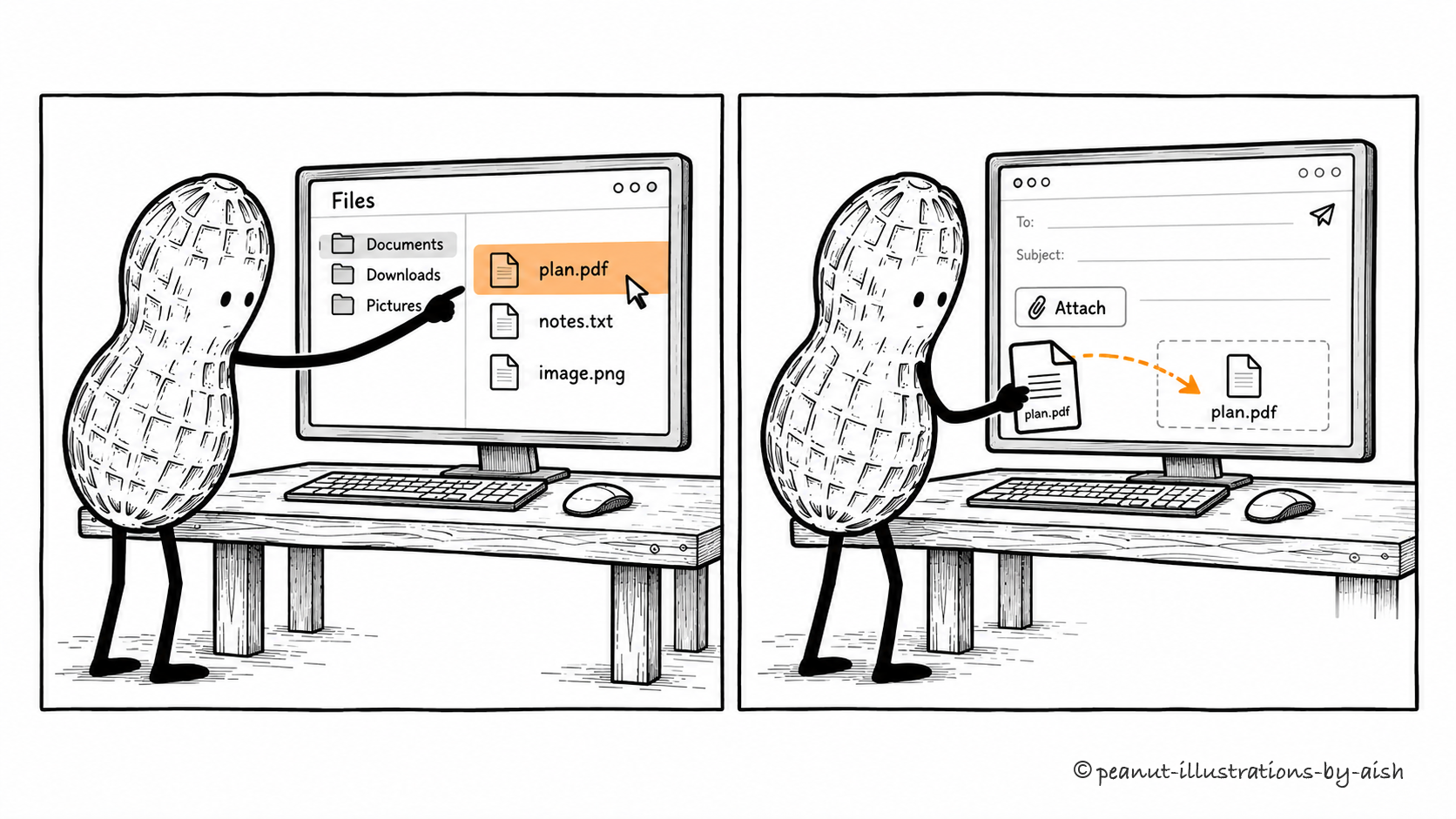
The file moves between applications through the controls on screen.The file crosses applications through their interfaces. An agent must check the screen again after each action.
An agent can observe an interface and act through clicks, typing, and scrolling. This is useful when a service lacks a convenient API. Each action changes the interface the agent will inspect next. Reliable execution depends on recognizing the right controls and recovering when a dialog, layout change, or unexpected state interrupts the route.
Coding agent
An AI agent that uses development tools and feedback to perform software tasks.
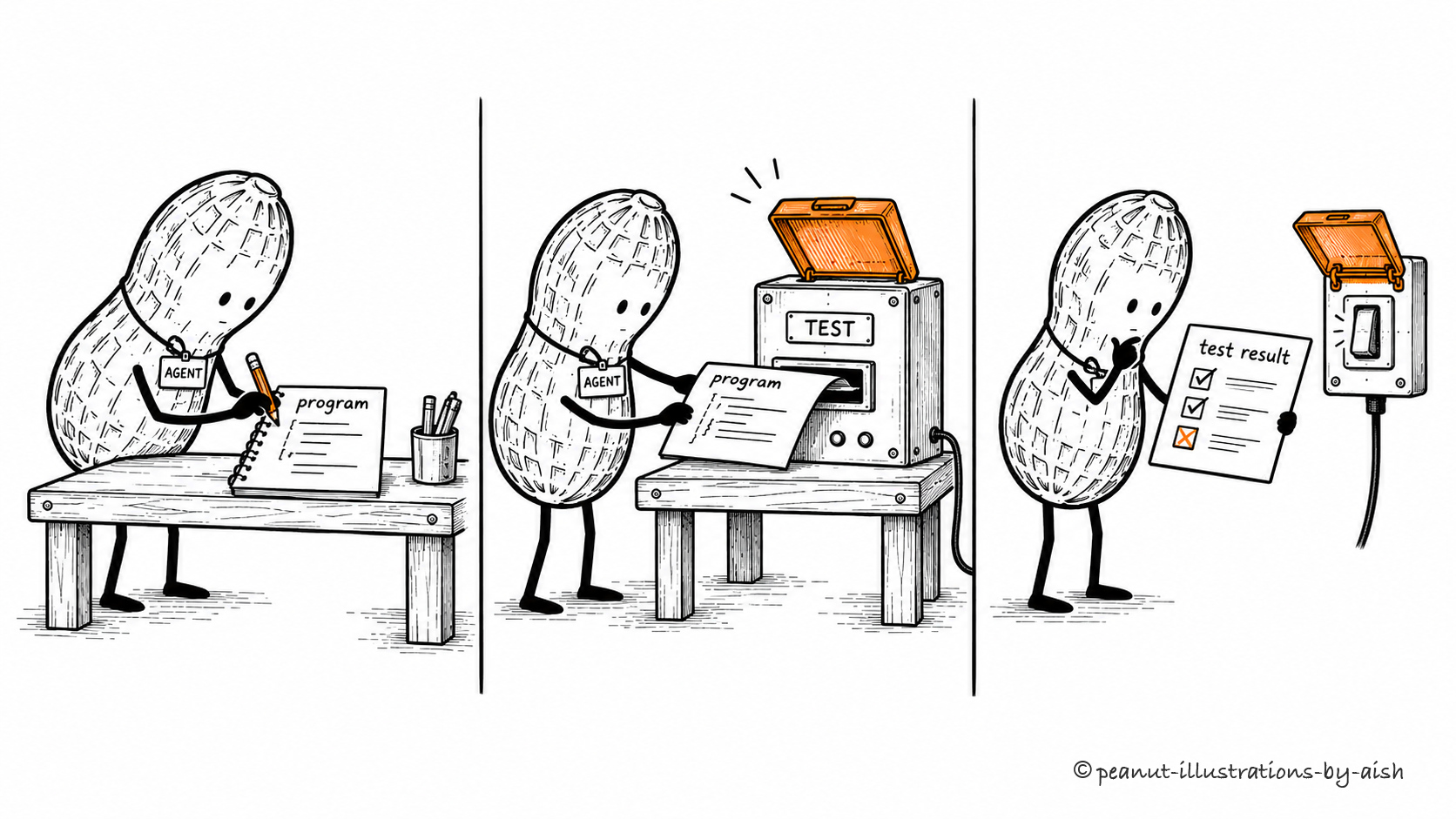
Change the program. Run the check. Read what happened.The test result is feedback for the next decision. A failed check means the agent may have more work to do.
A coding agent uses development tools to inspect a project, make changes, and assess their effects. Tests and other feedback help it decide whether more work is needed. Choose checks that cover the requested behavior and relevant consequences. A passing command only answers the question that command was designed to test.
Sandbox
An execution environment that isolates work and restricts the resources or systems it can affect.
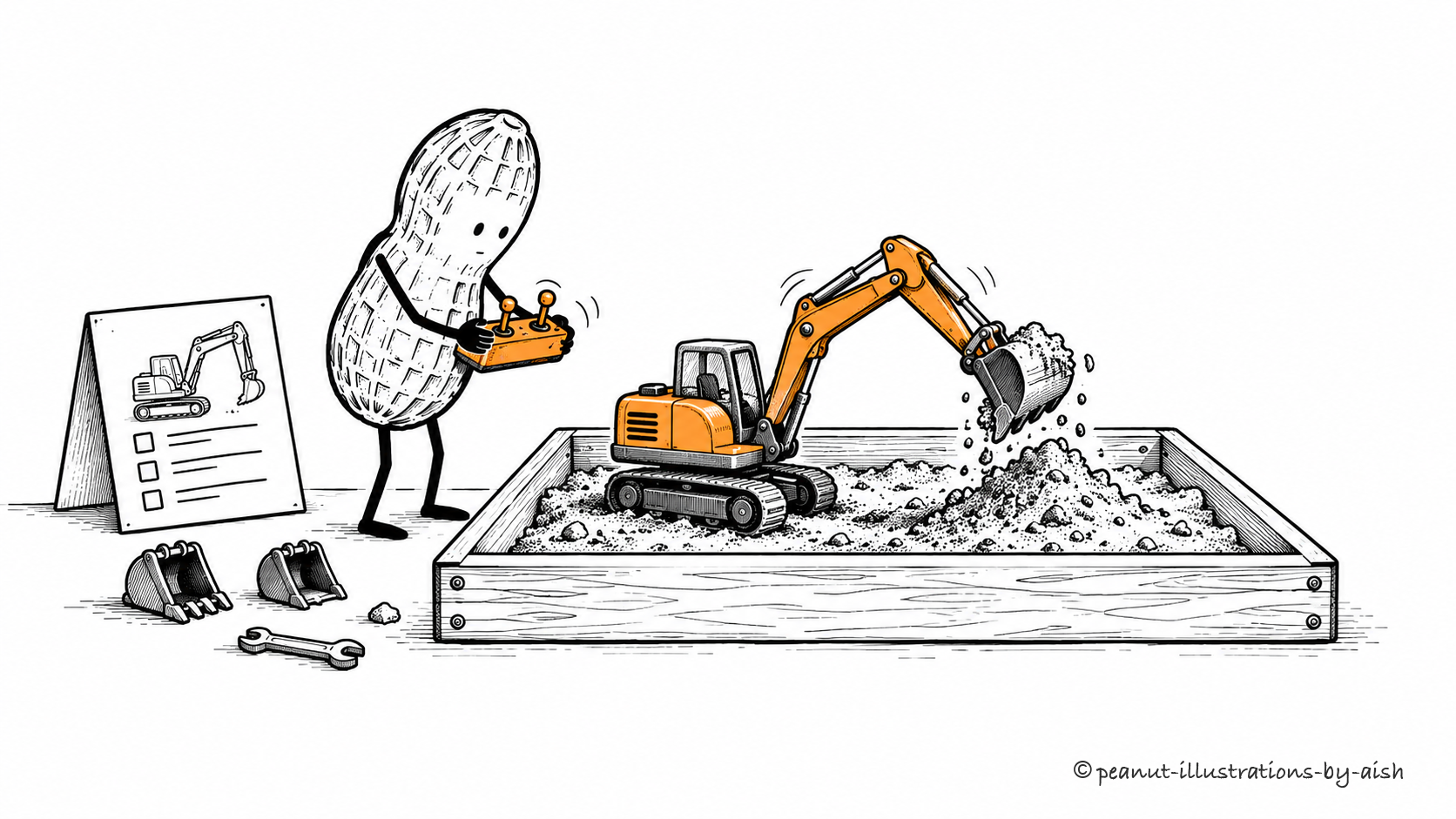
The excavator gets a tray of its own.The tray represents restricted reach. Actual containment depends on the execution environment and its configuration.
Isolation limits the resources an operation can affect. A sandbox may restrict filesystem access, networking, processes, or permissions, depending on its design. Those boundaries make it possible to run work with a narrower reach. Assess the actual mechanism and configuration when deciding what protection it provides.
Terminal execution
Running commands through a shell or command-line interface in a computing environment.
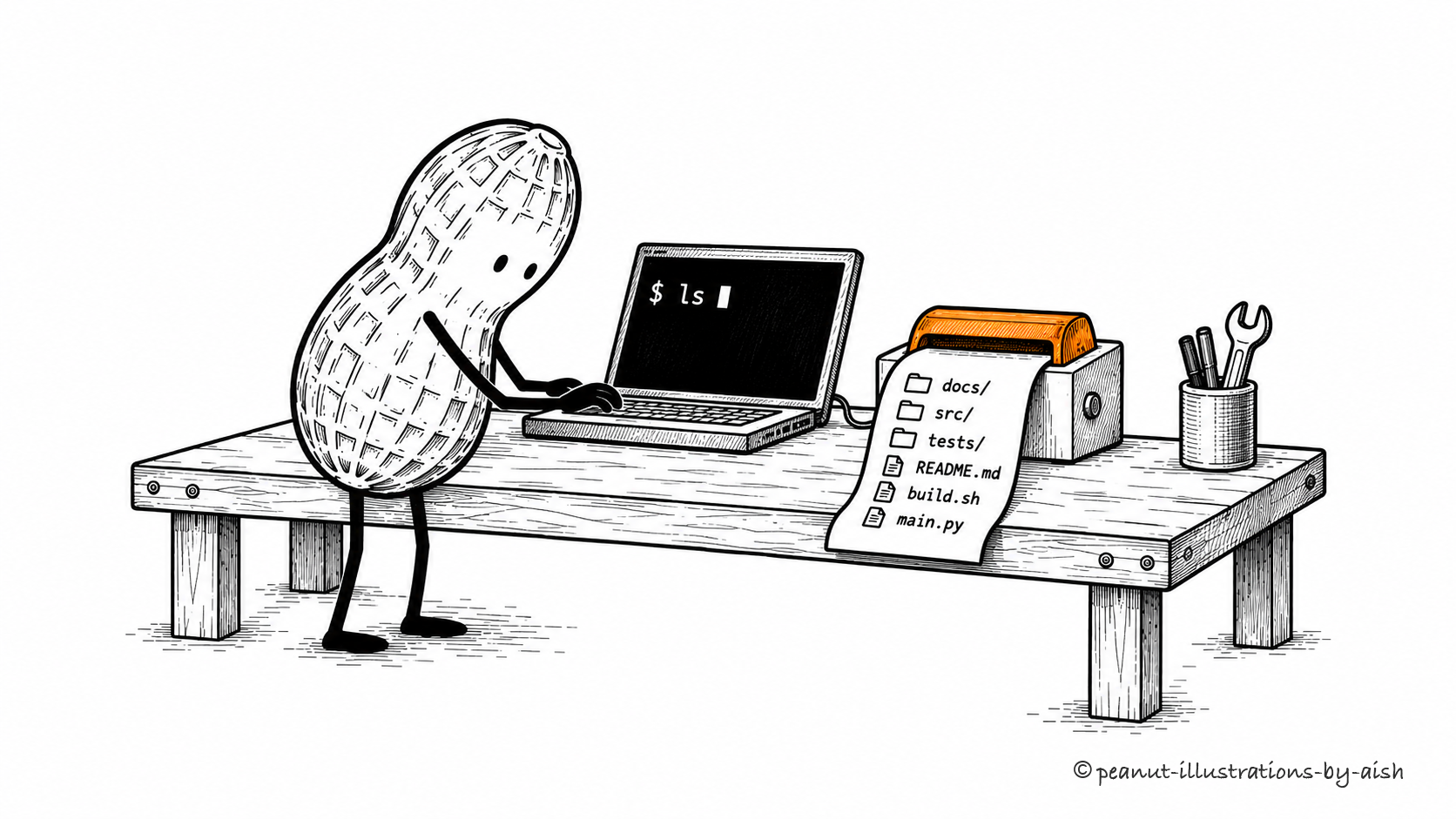
A command goes in; a file list comes back.The paper strip stands for command output. The command's result must be interpreted in the context of the task.
Through a terminal tool, an agent can run programs and operate on its environment. Commands execute with the permissions available there. Output and exit status help establish what happened, but their meaning depends on the program. A zero exit status can confirm successful execution while leaving the broader task unfinished.
Repository context
The project information relevant to making and assessing a code change.
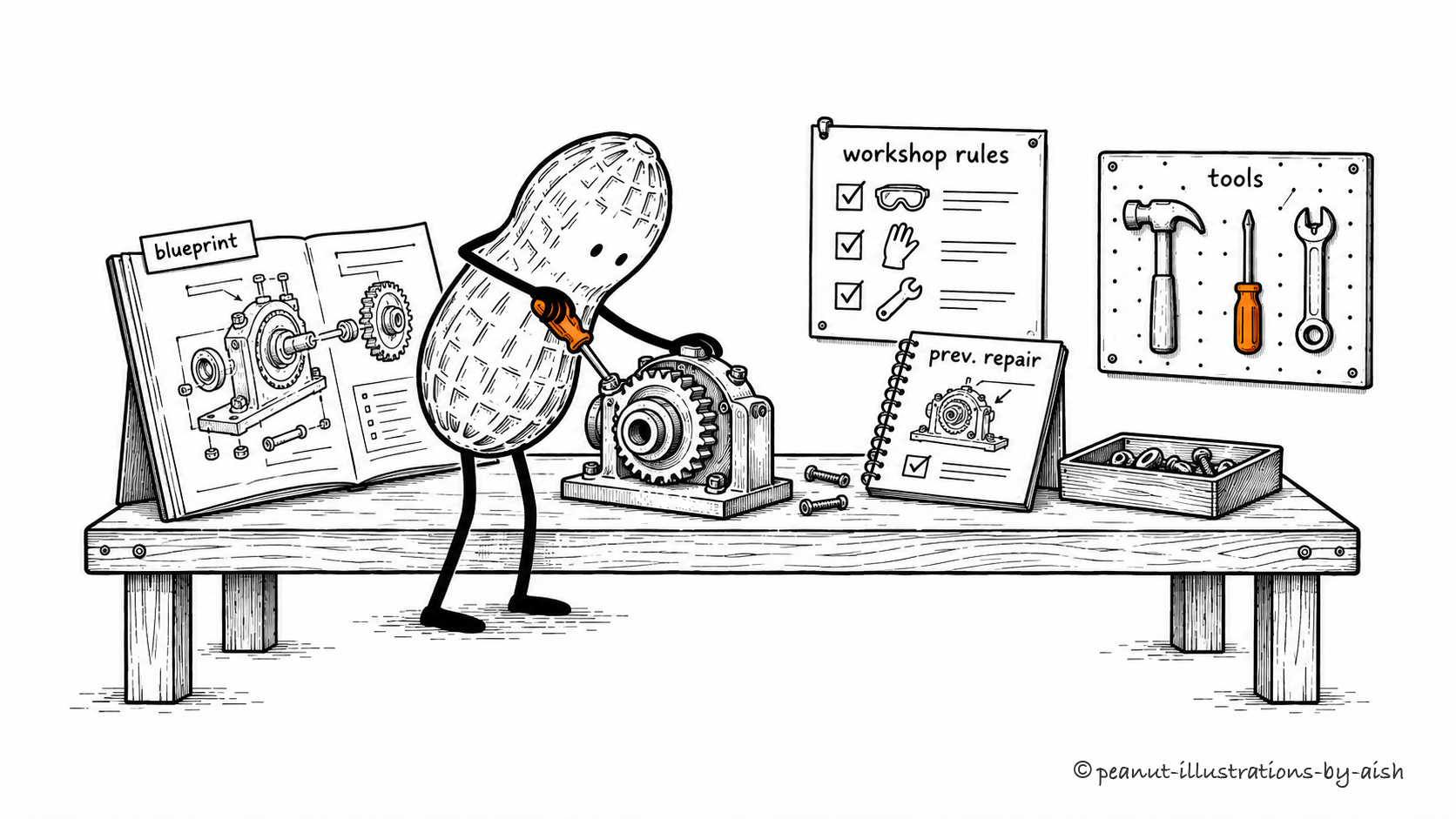
Check the machine around the gear before replacing it.The surrounding records represent the project conventions, structure, and relevant history needed to make a change fit.
Source files are part of the picture. Tests, dependencies, project conventions, and relevant history explain how a change should fit. A coding agent needs to inspect the portions that bear on its task. Supplying repository access opens the door to that investigation; useful context comes from selecting and understanding the right material.